26
SYSTEM
The button icons on the display change to show the available actions for the screen (Table 2).
Table 2 AQUALAB button icons
Icon Name Action
ENTER Accepts the current action
CANCEL Ends the current action
MENU Switches between the Measurement, Conguration, and Data tabs
SAVE Saves a setting or a reading
OK Accepts the input from the user
AUDIO OFF Silences beeping
AUDIO ON Enables beeping
3.2.4.1. MEASUREMENT TAB
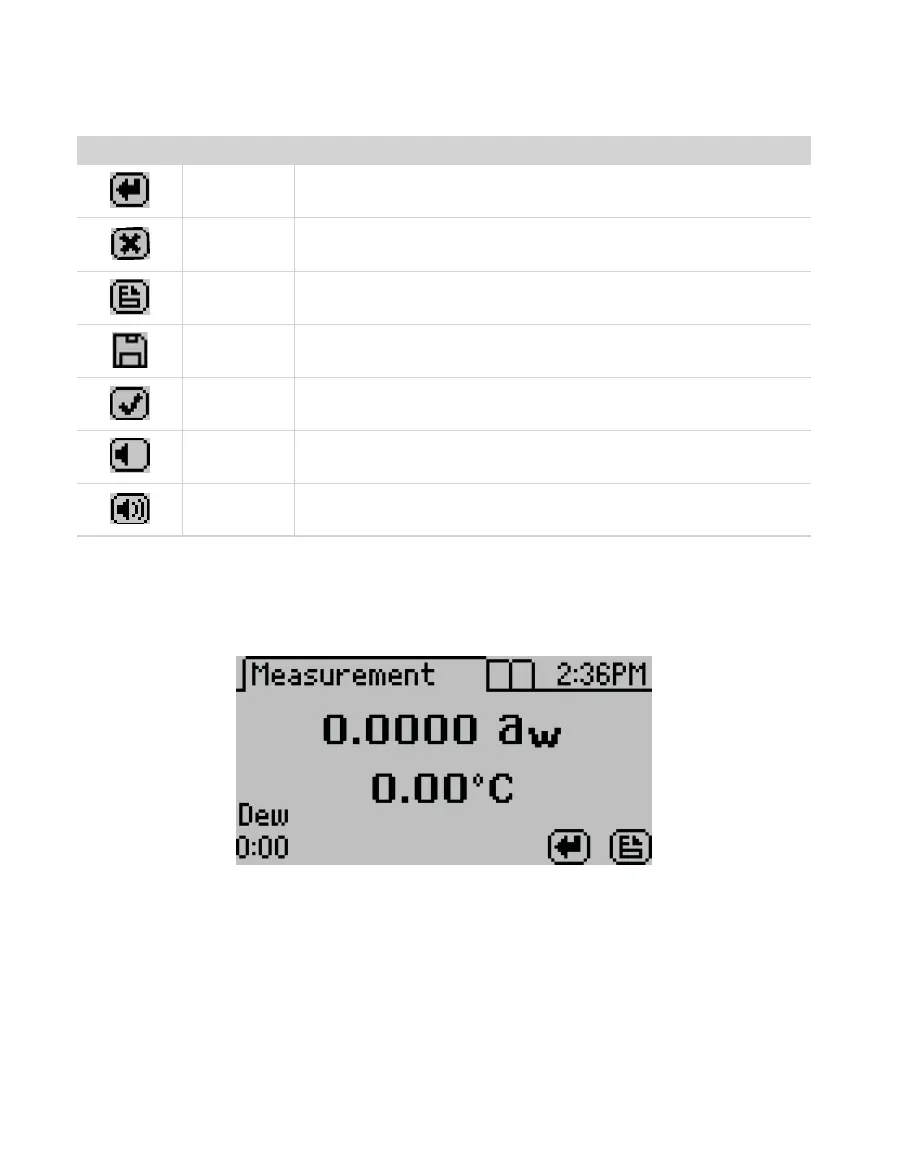
The Measurement tab (Figure34) is the main screen and must be visible to start a reading.
Measurement results are displayed on this screen.
Figure34 Measurement tab
Using the RIGHT or LEFT buttons changes the display to a temperature equilibration screen
(Figure35). This screen shows the temperature difference between the sample and the lid.



 To Next Page