9
AQUALAB
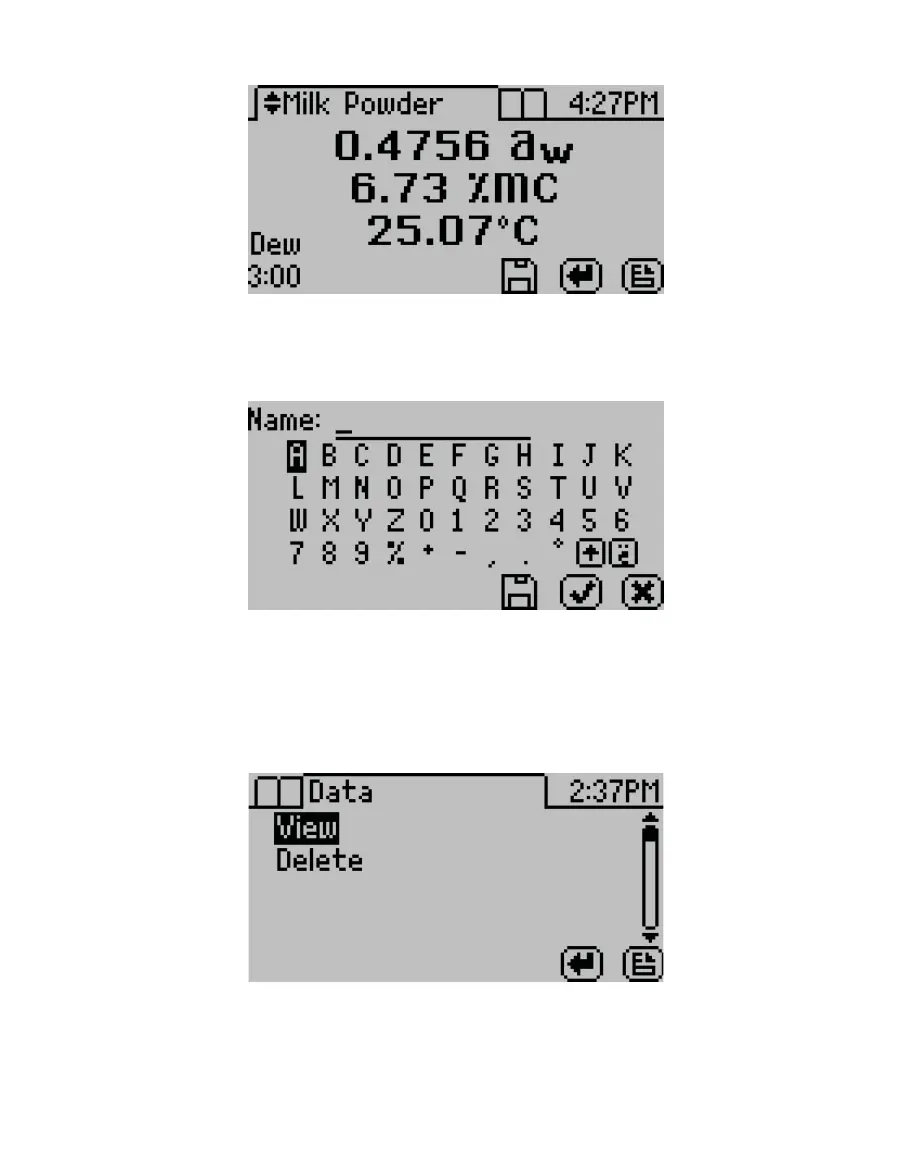
Figure5 Completed test results with both water activity and moisture content
9. Autosave (default setting) retains the data without any annotation (Section3.2.4.2).
To add an annotation, select SAVE, add desired letters, and select SAVE again (Figure6).
Figure6 Keyboard screen to annotate data results
2.4 VIEWING DATA
To view prior test results, use the following steps:
1. Press MENU to navigate to the Data tab (Figure7).
Figure7 Data tab
2. Select ENTER.
3. Scroll through the list of saved tests using UP and DOWN (to move one item at a time) or
RIGHT and LEFT (to move a page at a time).



 To Next Page