14
OPERATION
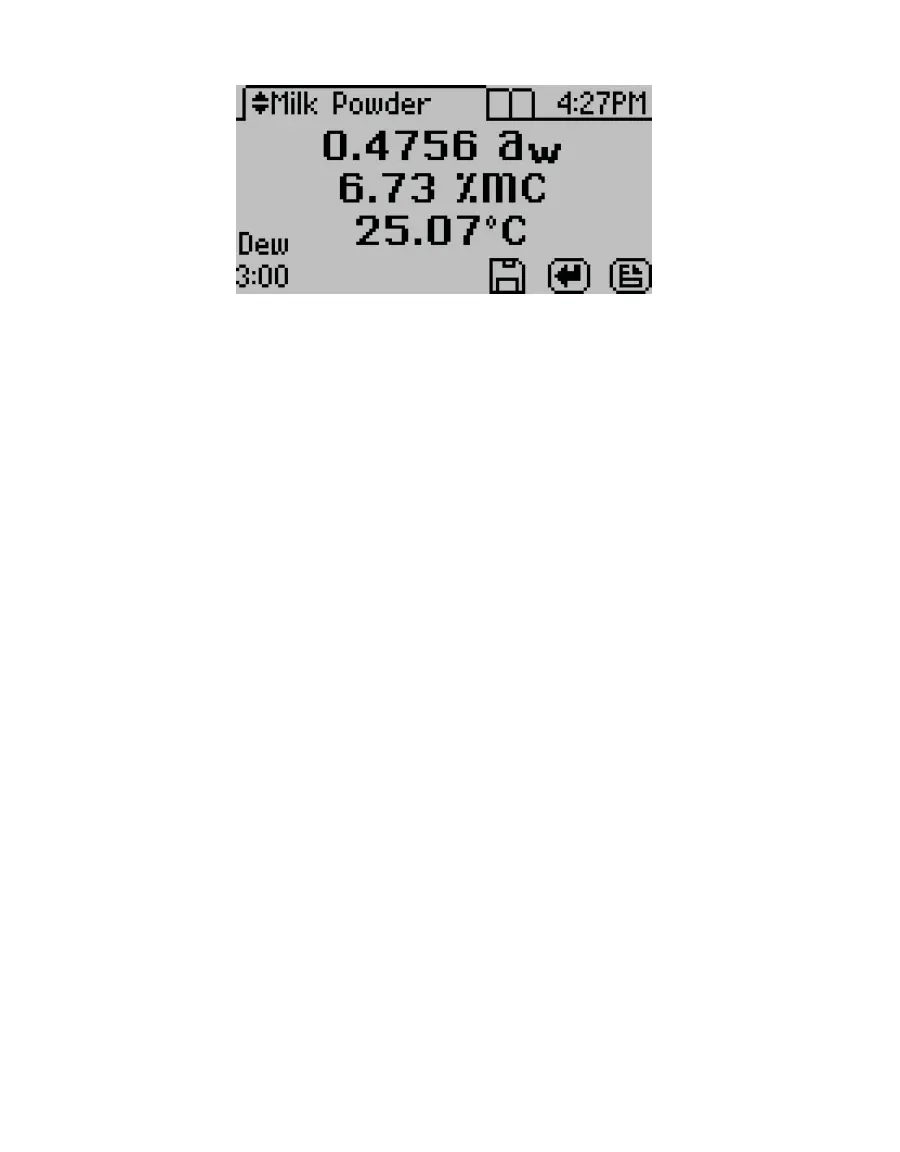
Figure14 AQUALAB DUO display with water activity and moisture content readings
2.5.4 MOISTURE CONTENT MODEL OFFSET
The AQUALAB DUO calculates moisture content values based on water activity readings
by utilizing models stored within the instrument. Because moisture content results vary
between reference methods, it is important to ensure that the model in the instrument
correlates well with the values obtained from the selected reference method (e.g., Karl
Fischer titration or oven loss on drying). Moisture content differences among various
methods are usually linear and can be easily corrected with a linear offset. Therefore, if
moisture contents calculated with the AQUALAB DUO instrument are not agreeing with the
reference method, the problem can likely be addressed by adjusting a linear offset.
Reference methods can differ between laboratories, so check for a linear offset upon receipt
of a new isotherm model from METER. In addition, the linear offset should be adjusted if
moisture contents calculated by the AQUALAB DUO instrument are consistently higher or
lower for a product than reference method values over several samples.
The following steps describe how to adjust for linear offset or how to create a new model
based off an old model:
1. Ensure the instrument is verified (Section4.1).
2. Collect three subsamples of the product for analysis.
3. Place one subsample into a sample cup (Section2.2).
4. Cover sample cup with a lid to limit exposure to ambient conditions.
5. Use the reference method to determine the average moisture content of the other
twosubsamples.
6. On the AQUALAB, press MENU to navigate to the Conguration tab.
7. Select Calibration.
8. Select %Moisture from the list of calibration types (Figure15).
NOTE: If %Moisture is not an option, the instrument may not be an AQUALAB DUO. Contact Customer Support.



 To Next Page