13
AQUALAB
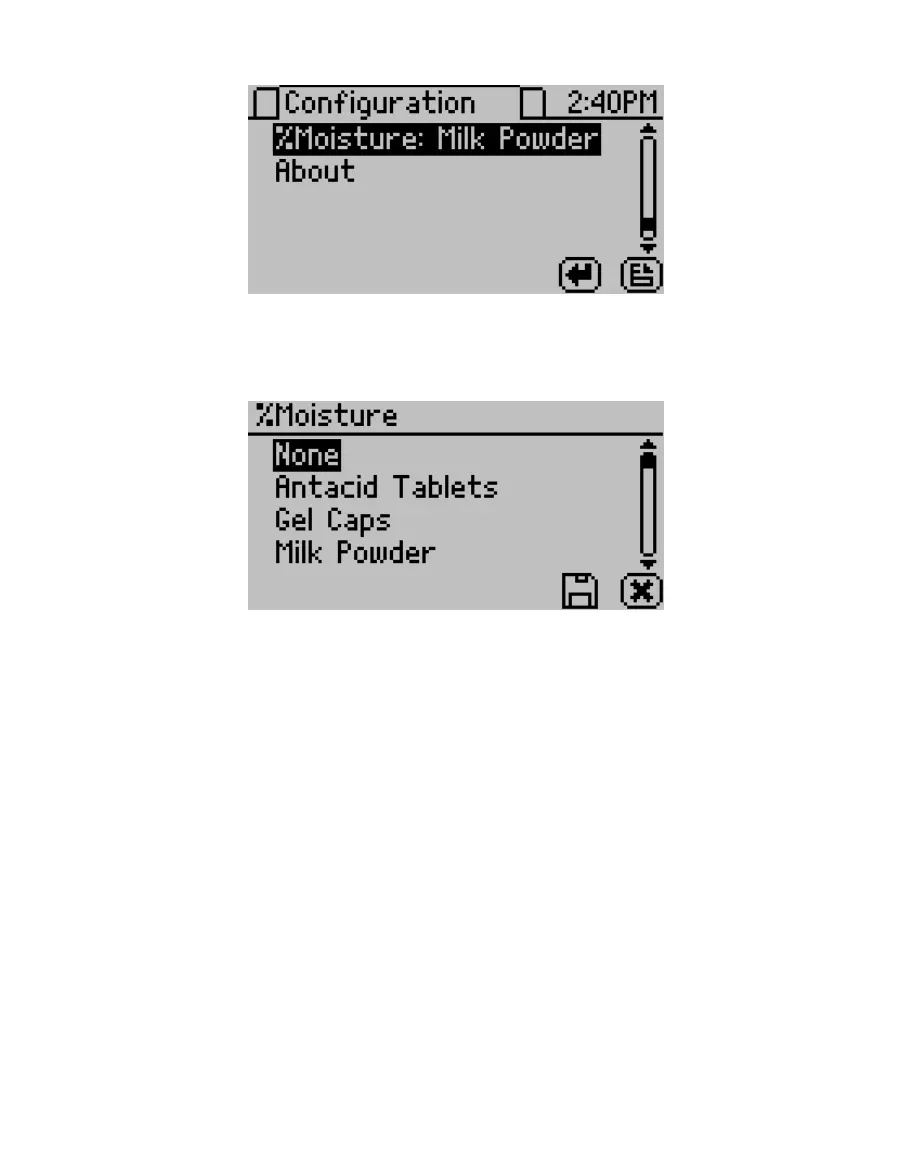
Figure12 Changing moisture content model on the Conguration tab
2. Select %Moisture.
A list of available models appears, organized by name (Figure13).
Figure13 Product models for moisture content
3. Select the model for the product to be analyzed.
If the listed models do not apply, select None. No moisture content will appear on the
Measurement tab.
4. Select SAVE.
5. Navigate to the Measurement tab.
6. Take a reading (Section2.3).
The moisture content measurement (%MC) will appear below the water activity measurement
(Figure14) in the test results.



 To Next Page