15
AQUALAB
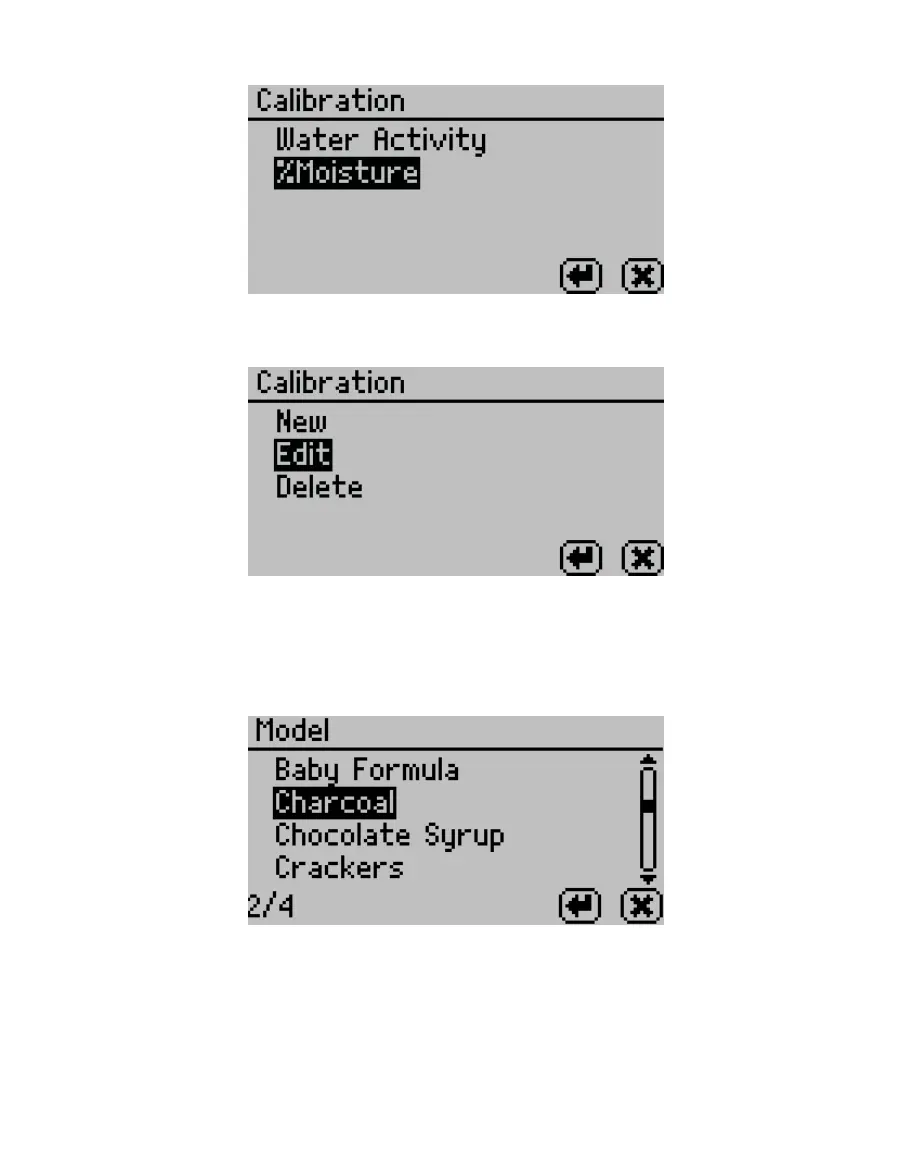
Figure15 Select %Moisture on the Calibration tab
The %Moisture Calibration screen will appear (Figure16).
Figure16 %Moisture Calibration screen
9. If creating an existing model, select New.
If editing an existing model, select Edit.
10. Scroll through the reference models for the desired product (Figure17).
Figure17 Moisture content model list
11. Select ENTER.
12. Select Start (Figure18).



 To Next Page