|
31
PROVENO E
Rev. 1.2 (24.08.2016)
Operation instructions
Activating the starting time and duration of cooking
Press once.
The start time can be set at a maximum seven days - 6 hours ahead. The - 6 hours i because of the po-
wer failure monitoring system. The next weekday is selected by default but can be changed by the user.
Proveno suggests the cooking temperature, starting time and duration that you used the previous time.
If you do not want to change the values, the functions are activated automatically in about 15 seconds.
Cooking begins at the selected time and the kettle cooks at the set temperature for the set period of
time. Counting the cooking time does not begin until the set temperature has been reached. The kettle
is equipped with an automatic holding function (factory setting +70°C). You can change the holding
temperature between +50 - +100°C (see ”Setting customer specifi c parameters”).
After the cooking time has elapsed, ‘HoLd’ appears on the display, in case the cooking temperature is
higher than the set holding temperature. Otherwise the kettle holds the food at the set cooking tempe-
rature also after cooking.
In case the starting time and operation time were saved in the memory before you managed to set the
times desired, fi rst cancel the timer functions by pressing the start or function button for about two
seconds. The indicator lights of the buttons go off. After that, start activating the time functions from the
beginning.
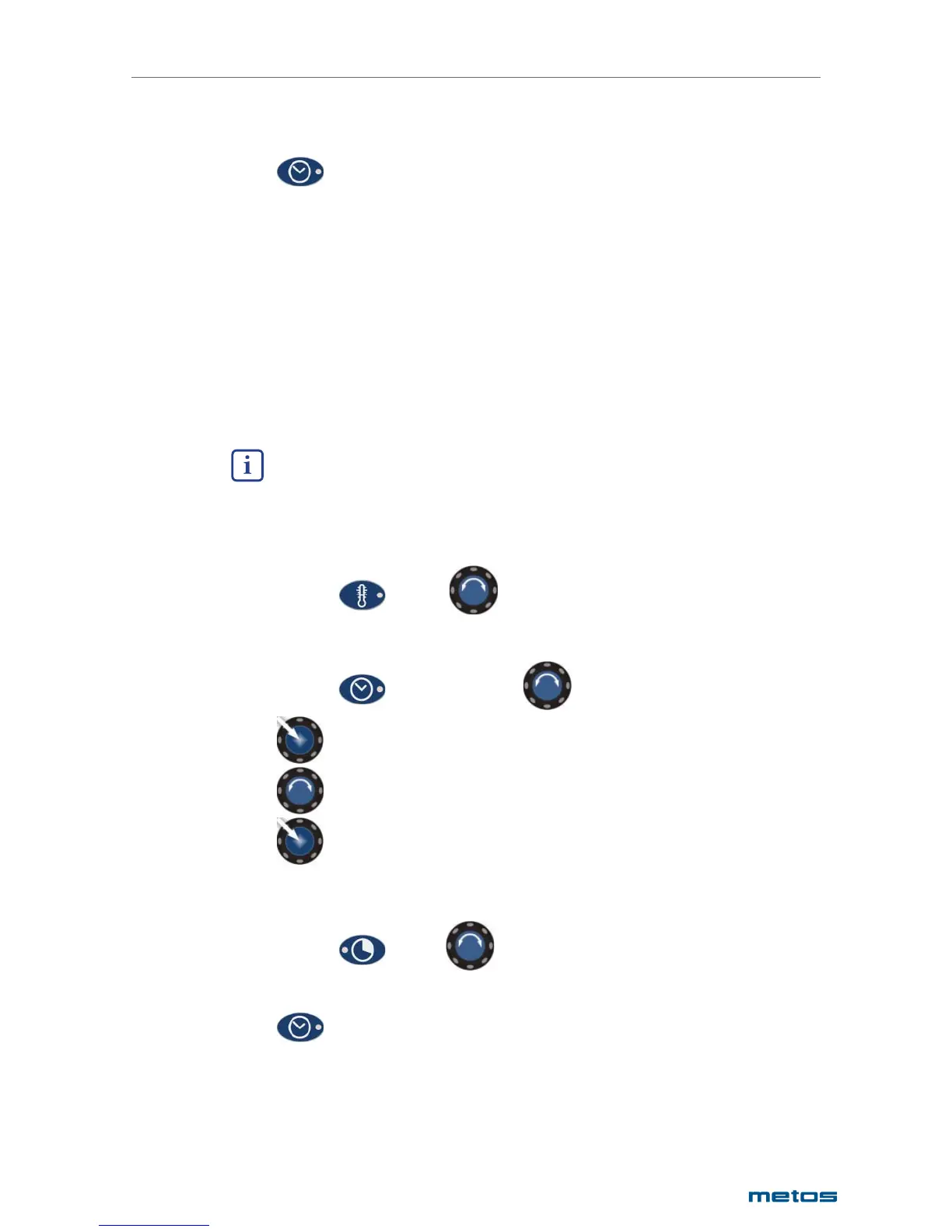
Changing the temperature of timer-set cooking
Press once and select
Changing the timer-set starting time
Press once and select the week day
Push the central dial
Select the starting time
Push the central dial
Changing the timer-set cooking time
Press once and select
Deactivating the activated/programmed timer
Press and keep pressed for about 2 seconds.


 To Next Page