|
37
PROVENO E
Rev. 1.2 (24.08.2016)
Operation instructions
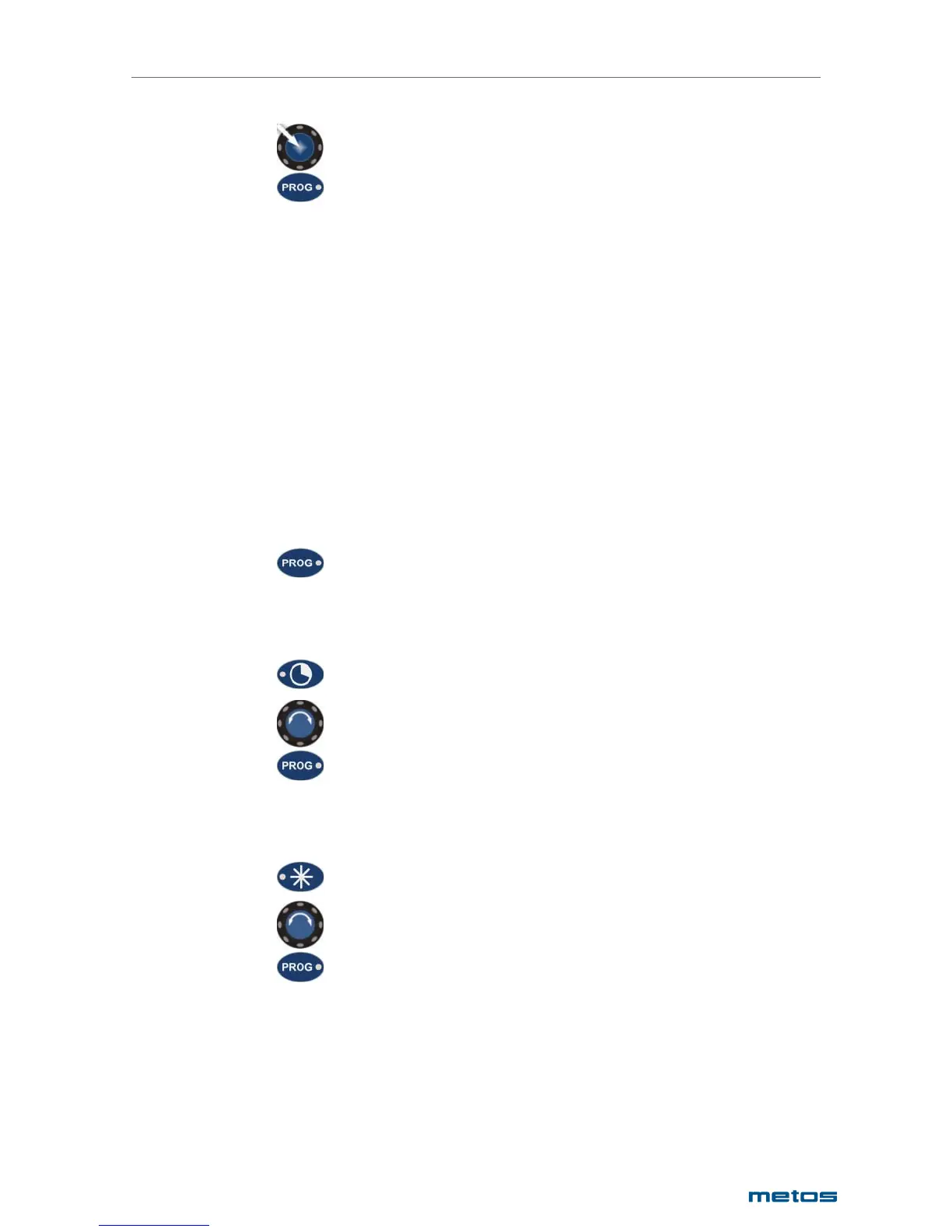
Push the central dial
Press once
In the program display the Er program step and the message ‘run’ is shown. The program is now activa-
ted to run. If no starting time was set the buzzer sounds and the program starts to run. If a programmed
starting time was set the timer display shows the following values:
• start weekday
• starting time
• current time
• step running time
The next time the same Er program is selected all the previously set program values are stored in me-
mory and can be altered to new values as needed.
Check Point – CP
If a program stage has the checkpoint selection Yes the program run will halt and the buzzer sounds at the
end of the step. At this point it is possible to check the food process result and act accordingly.
If the result is the desired:
Press once.
The program will continue to the next step.
If more cooking time is needed:
Press once
Select additional cooking time with the central dial
Press once.
The cooking continues for the additional set time and the checkpoint alarm will sound again.
If a lower cooling temperature is needed:
Press once
Select a lower temperature with the central dial
Press once


 To Next Page