NOTE
For PIN codes which are 3 or 4 digits long the following
rules apply:
PIN codes with all the same digits (000, 0000, 111,
1111, 222 … 999, 9999) are rejected.
PIN codes are rejected if digits are 123 and 1234.
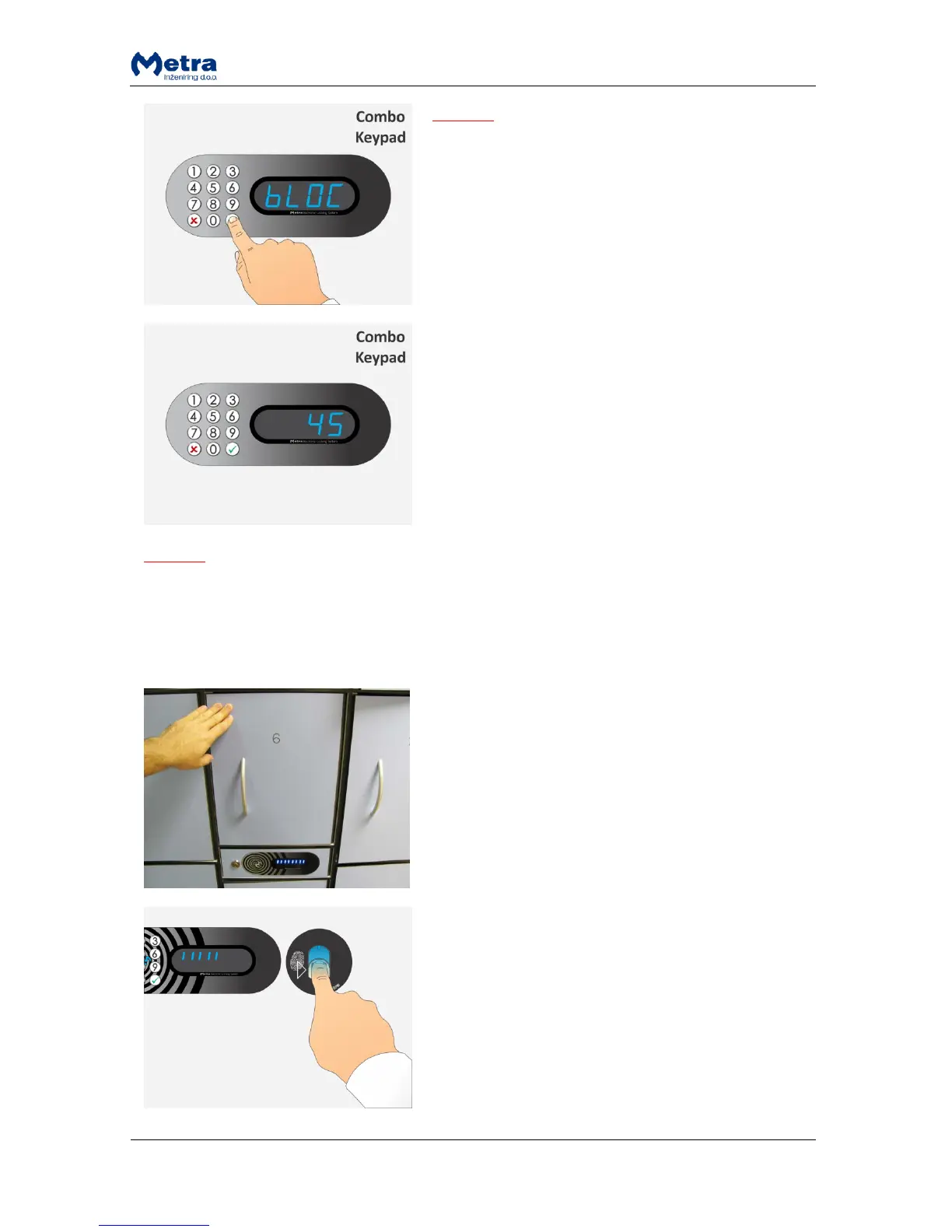
If the PIN code is rejected, Display shows “bLOC”
accompanied by interrupted acoustic signal. Locker
automatically opens.
STEP 3: When the Pin code is accepted as a locker key
the corresponding locker is locked and its number is
displayed.
NOTE
If the locker was closed and Pin Code not entered, locker automatically opens when time countdown
ends.
Normal locking procedure with fingerprint
STEP 1: Close the locker door. Time countdown starts
(vertical lines are displayed) on the Display and
interrupted beep acoustic signal is activated.
STEP 2: Insert your finger in the Fingerprint module.



 To Next Page