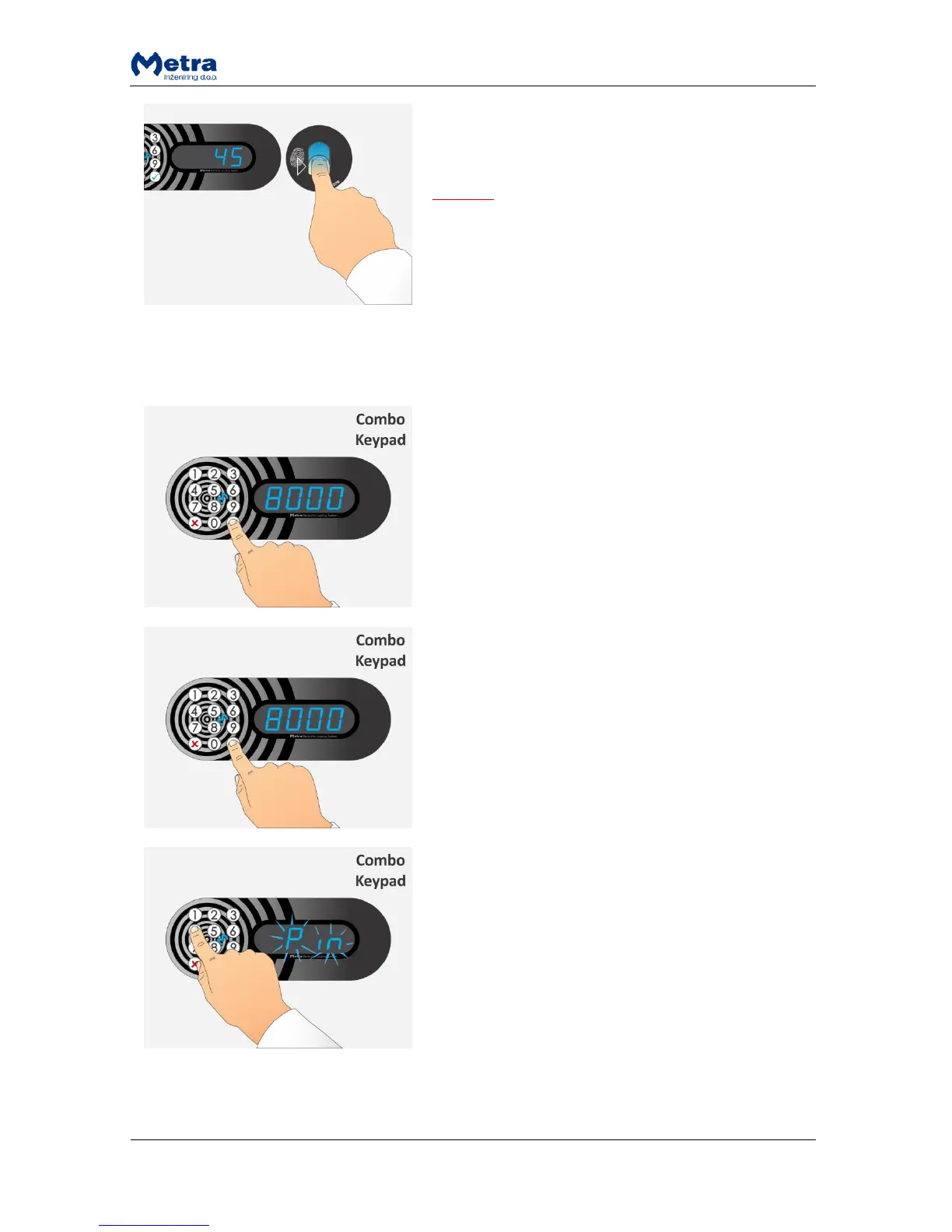
STEP 3: If the same finger is presented correctly
corresponding locker is unlocked and opened. Short
acoustic signal is also activated.
NOTE
If sign “Euro” / “Coin” / ”GbP” / ”PAY” / “USd /
“CHF” is displayed instead of locker number, continue
with the procedure described in paragraph
“Exceeded tenancy time”!
If sign “bLOC” is displayed instead of locker number,
see paragraph “Expired tenancy time”!
Multiple unlocking procedure (PIN code or fingerprint)
STEP 1: Enter group PIN code to start multiple unlocking
procedure and press the key.
NOTE: The key cancels the procedure.
STEP 1: Enter group PIN code to start multiple unlocking
procedure and press the key.
NOTE: The key cancels the procedure.
STEP 2: If PIN code was chosen sign “Pin” is flashing and
beep acoustic signal is heard. Enter the PIN code that
was used to lock multiple lockers and confirm it with
key.
Sign “o” is displayed for each PIN digit entered.
NOTE: The key cancels the procedure.



 To Next Page