Exceeded tenancy time
When tenancy time is exceeded additional payment is required (depends of set payment
parameters). See also “Metra ELS & ELS SELECT – Technical Manual” for more information.
Procedure described in this paragraph is an addition to unlocking procedures described in previous
paragraphs.
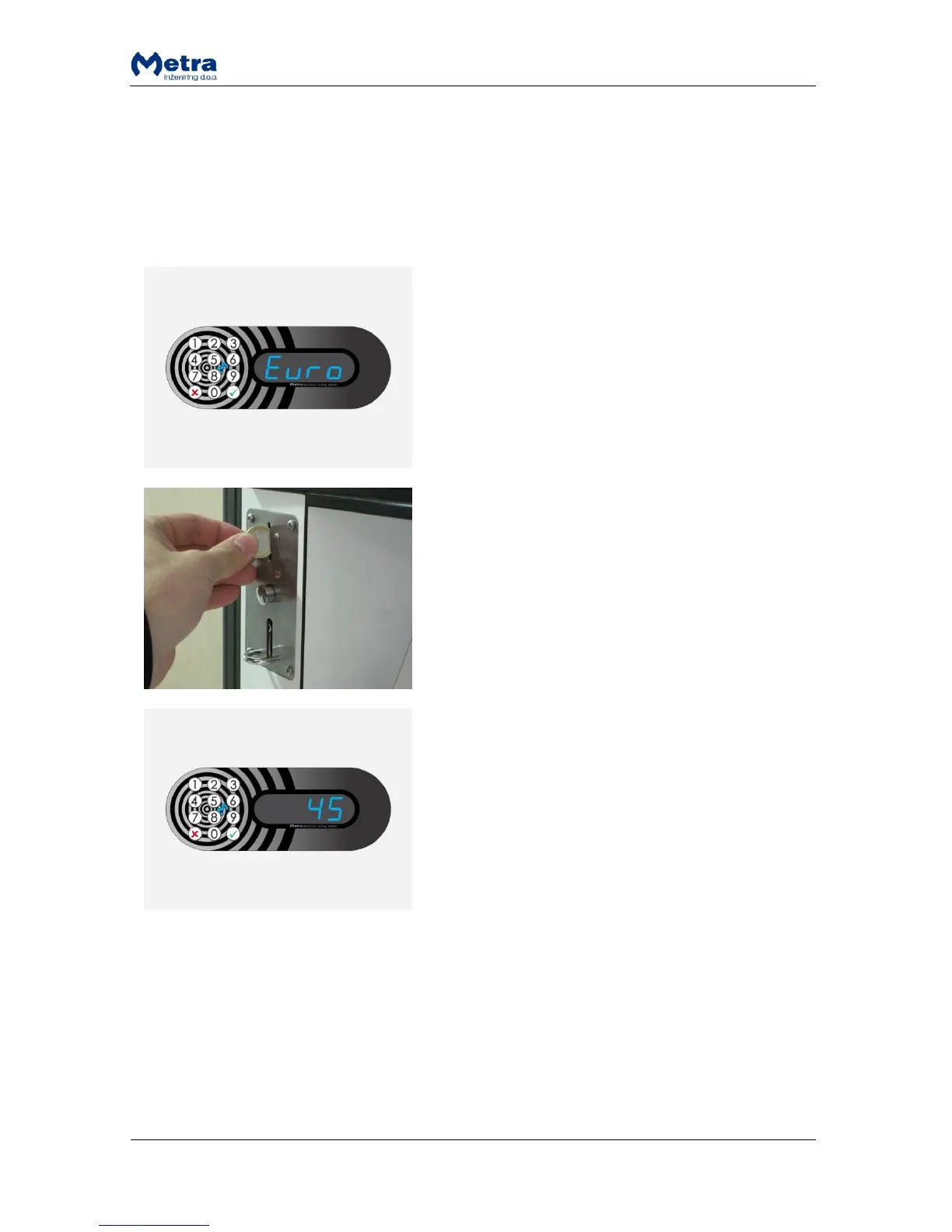
STEP 1: Sign “Euro” / “Coin” / ”GbP” / ”PAY” / “USd /
“CHF” is displayed. User is asked for payment to finalize
the unlocking procedure.
STEP 2: Insert requested number of coins in the coin
acceptor.
STEP 3: When all requested coins are inserted locker
number is displayed and corresponding locker is
unlocked and opened. Short acoustic signal is also
activated.
MULTI LOCKING:
If the user RFID media supports multiple locking,
payment is required for each locked locker.
Expired tenancy time
When tenancy time is expired locker remains locked and cannot be unlocked by user (depends of set
payment parameters). See also “Metra ELS & ELS SELECT – Technical Manual.pdf” for more
information.
Procedure described in this paragraph is an addition to unlocking procedures (except of the
procedure “Exceeded tenancy time”) described in previous paragraphs.



 To Next Page