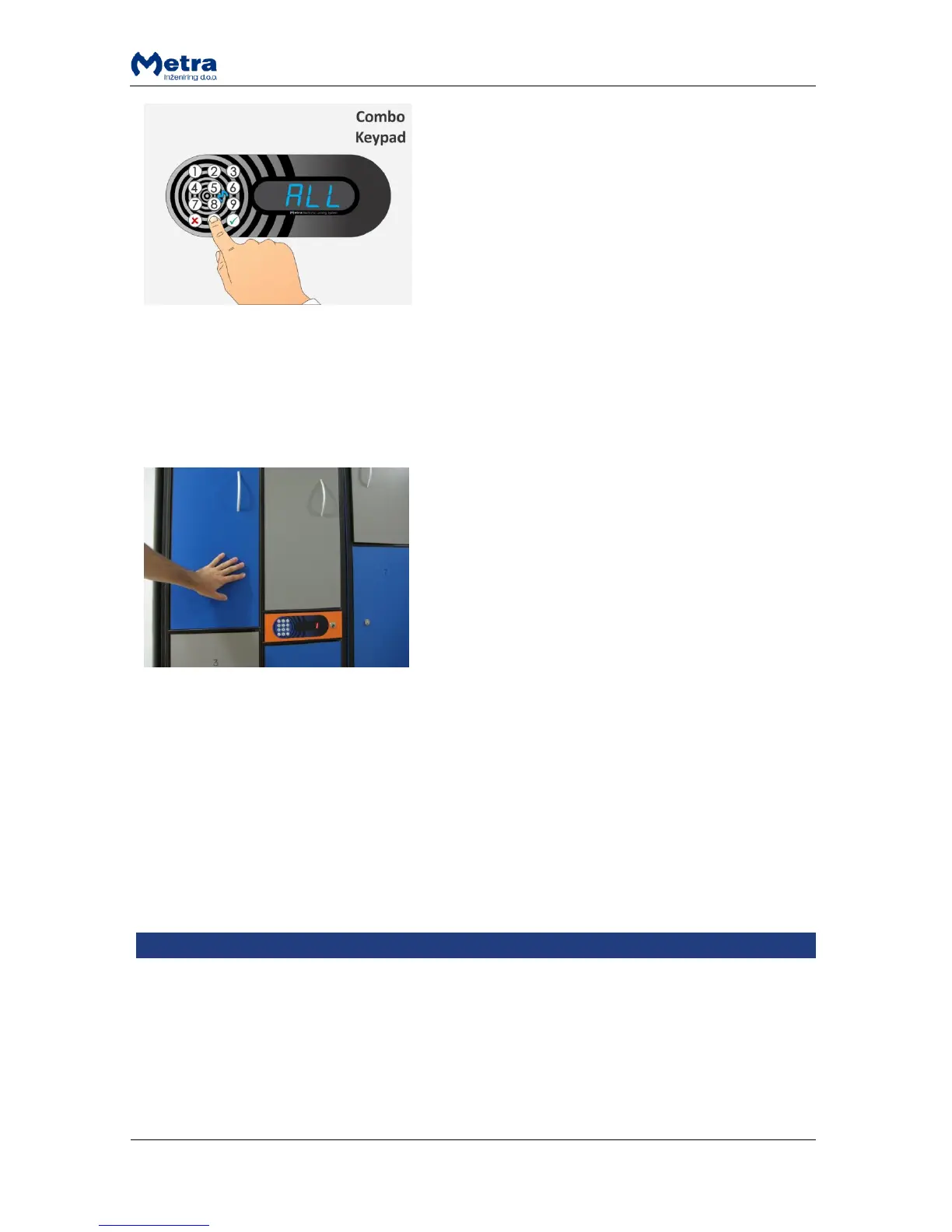
NOTE: If you want to open all lockers enter “0” and
confirm it with key.
All the lockers connected to that Locker Controller start
to unlock and open one after another and corresponding
locker numbers are displayed.
Closing back the locker opened in Master mode
Sometimes it is needed to close back the locker opened in Master mode. The following rule applys:
When locker is locked back in Master mode the user can still unlock it with her/his RFID media / PIN
code / fingerprint if tenancy is not expired.
STEP 1: Close back the Locker.
Locker is locked and locker number is displayed.
Master mode termination
Master Mode of operation is terminated:
After successful operation.
After 1 minute of non activity.
Press and hold the “Esc” key for more than 3 seconds (4 key system keypad - Display RFID).
Press and hold the key for more than 3 seconds (12 key keypad - Display Combo & Display
Keypad).
Basic Setup mode of operation
Basic Setup mode of operation is intended for changing basic operational parameters: Master code,
Setup code, erasing all special cards, audio signal, user waiting time, user waiting time increment,
minimal PIN length, PIN request display locker active time and checking and erasing the sum of all
inserted coins. It is available only on devices with 12 key keypad.



 To Next Page