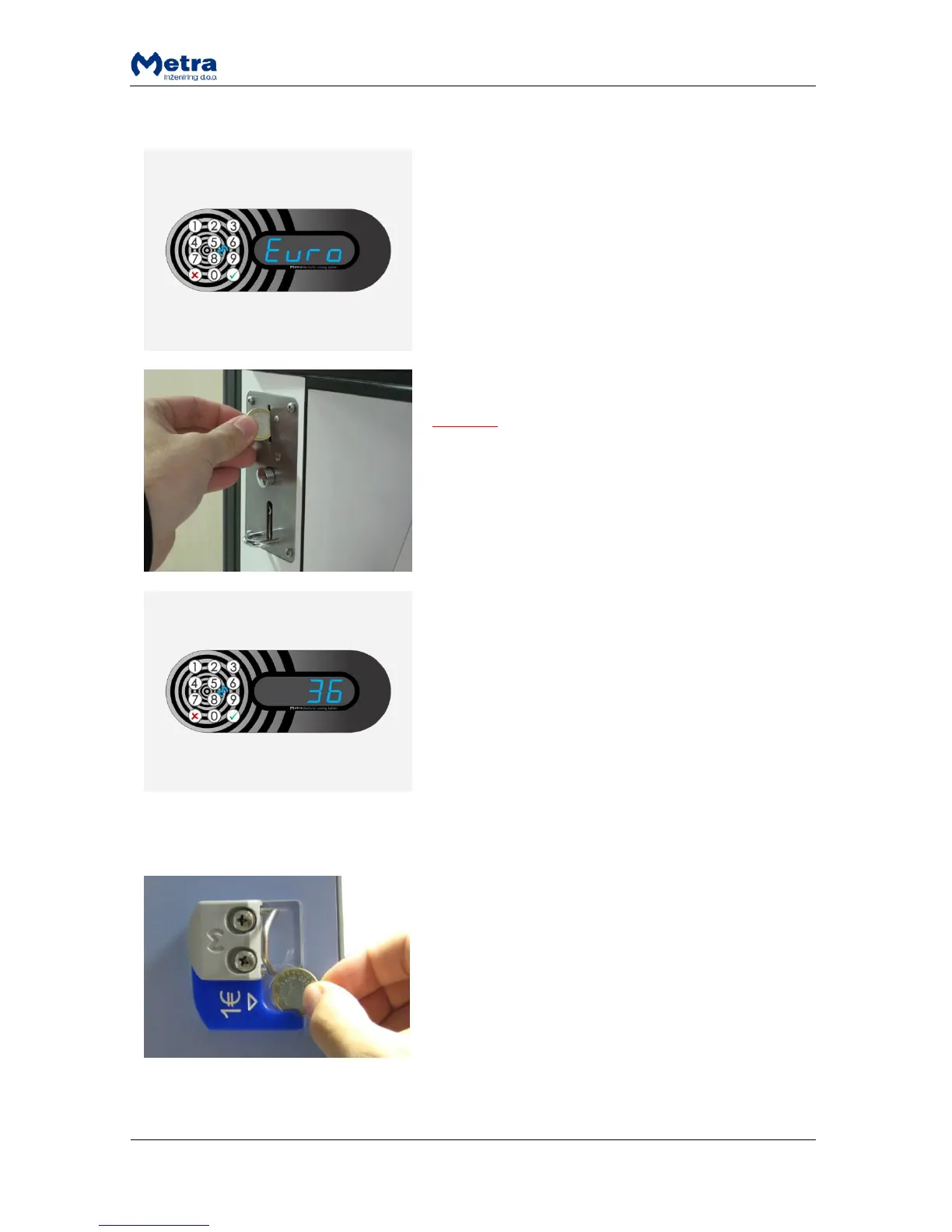
Locking procedure – payment required
Steps 1 and 2 are the same as in all normal locking
procedures.
STEP 3: When the RFID media / PIN code / fingerprint is
accepted as a locker key sign “Euro” / “Coin” / ”GbP” /
”PAY” / “USd / “CHF” is displayed. User is asked for
payment to finalize the locking procedure.
STEP 4: Insert a coin in the coin acceptor.
NOTE
If the coin is not inserted the locker unlocks and opens
after a few seconds.
STEP 5: Locker number is displayed and corresponding
locker is locked.
MULTI LOCKING:
If the user RFID media supports multiple locking,
payment is required for each locked locker.
Locking procedure – deposit required
Before STEP 1 of each locking procedure: Insert a coin in
coin deposit pad mounted on the inside of the locker’s
door.
Continue with one of the locking procedures.



 To Next Page