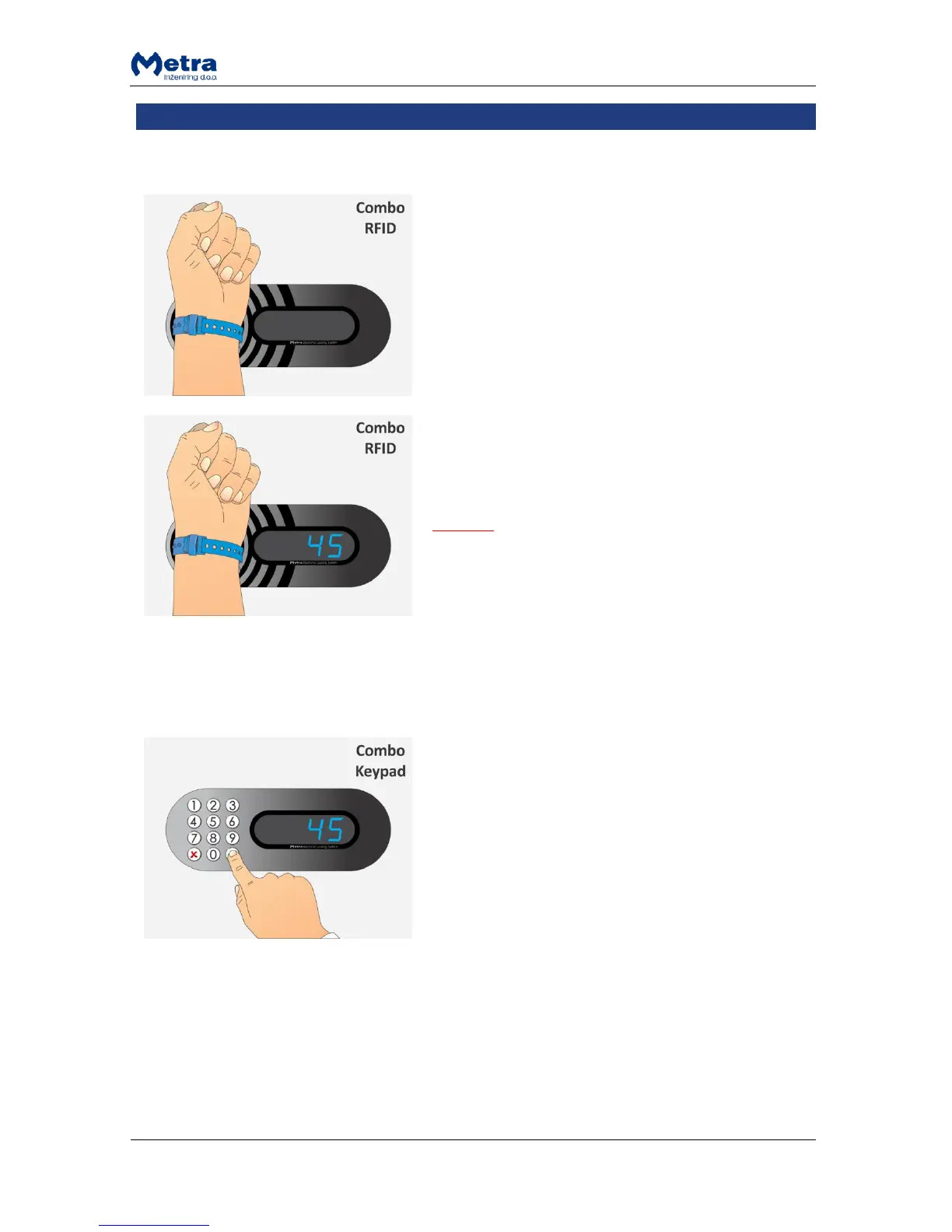
STEP 1: Approach the RFID media to the antenna field.
Reading distance is 2 – 5 centimetres from the device
surface. Hold the RFID media in the antenna field for a
few moments for device to read and process it.
STEP 2: Display shows the locker number and the locker
is unlocked when the RFID media is recognized as a
locker key that previously locked that particular locker.
Short acoustic signal is also activated.
NOTE
If sign “Euro” / “Coin” / ”GbP” / ”PAY” / “USd /
“CHF” is displayed instead of locker number, continue
with the procedure described in paragraph
“Exceeded tenancy time”
If sign “bLOC” is displayed instead of locker number,
see paragraph “Expired tenancy time”!
STEP 1: Enter the number of the locker you want to open
and confirm it with key.
NOTE: The key deletes last entry.



 To Next Page