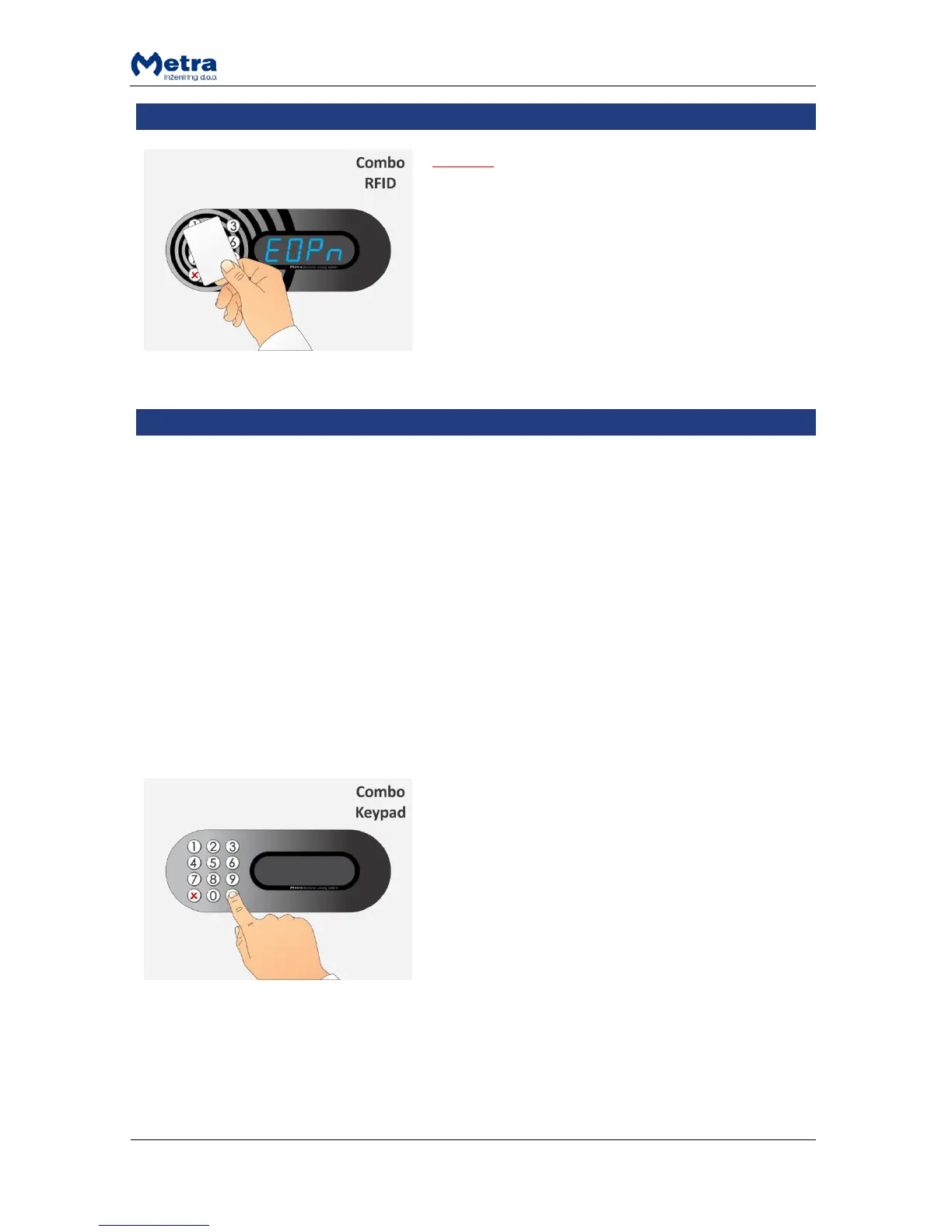
NOTE
USE FOR EMERGENCIES ONLY!
If the RFID media is presented and recognized as a
special Emergency open key, all lockers connected to the
Locker Controller start to unlock and open one after
another and corresponding locker numbers are
displayed.
Special Master code(s) and/or Master cards are programmed for entering the Master operation
mode. In Master mode any locker can be unlocked. It is mainly used in the following cases:
User forgot his/hers PIN code.
User lost his/hers RFID media.
User locks the Locker when leaving and doesn't come back.
Exceptional opening for some other reason.
It may be necessary to close back the Locker that was opened in Master mode. Such case would be if
wrong Locker was opened by mistake. If the Locker is closed back in Master mode, user can see no
difference when unlocking it with his/hers RFID media / PIN code / fingerprint. Event of exceptional
opening is recorded in the Locker Controller's internal memory and can also be seen in “Event
Report” in Metra software.
Entering the Master mode by typing-in the Master code



 To Next Page