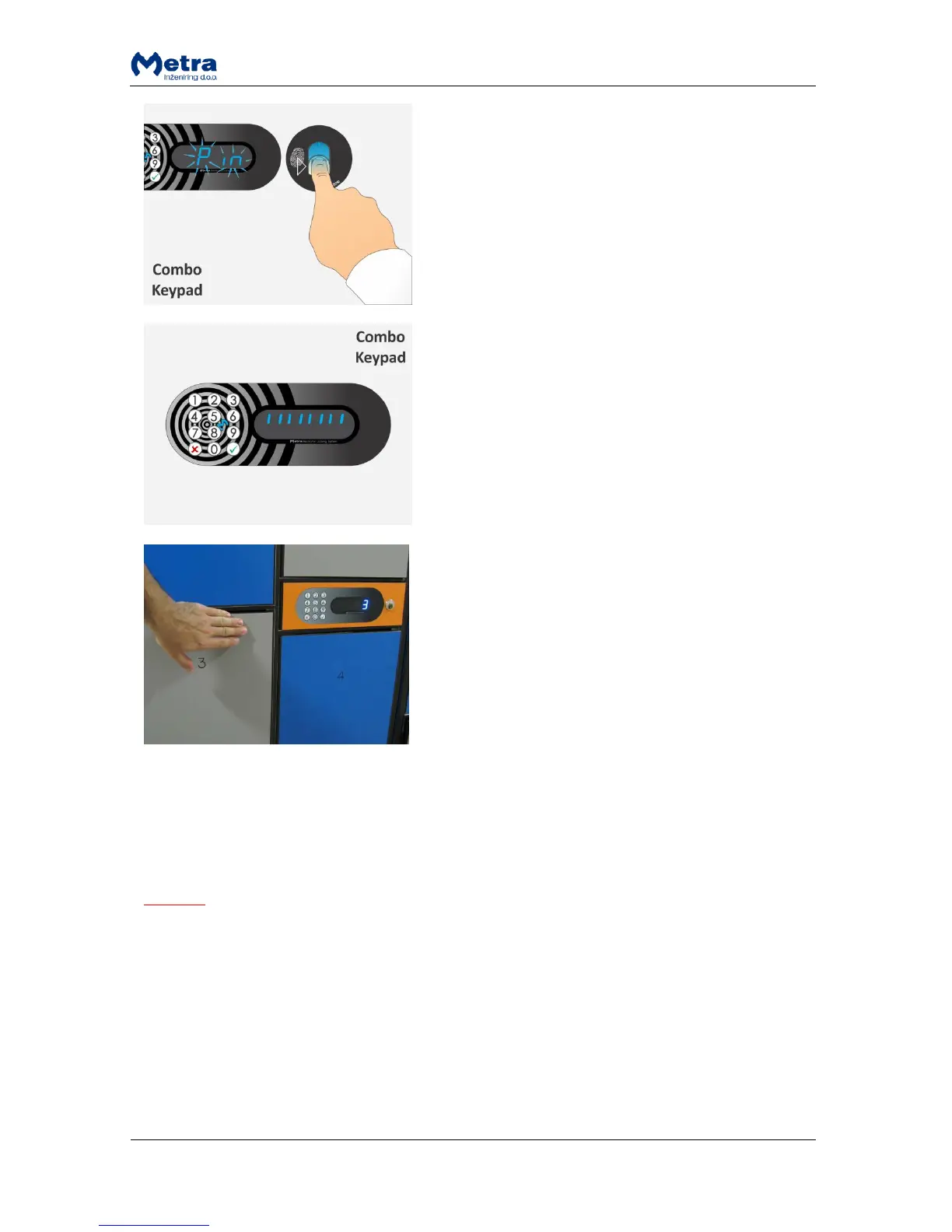
STEP 4: You can lock several lockers until time
countdown completes. Time countdown restarts after
each locking.
After each Locker is locked corresponding number is
displayed.
Multiple locking procedure with Multi key
For multiple locking a special multi key is needed. All the lockers closed that way can be later
unlocked (all at once or only particular locker) using the same Multi key.
NOTE
See also Metra Online Help for more information on how to make a multi key.
When locking single locker at a time, the locking procedure is the same as with the user RFID media
that supports multi locking. For more information see paragraph “Normal locking procedure with
RFID media”.
Multi key also supports locking multiple lockers at once. The procedure is described in following
three steps.



 To Next Page