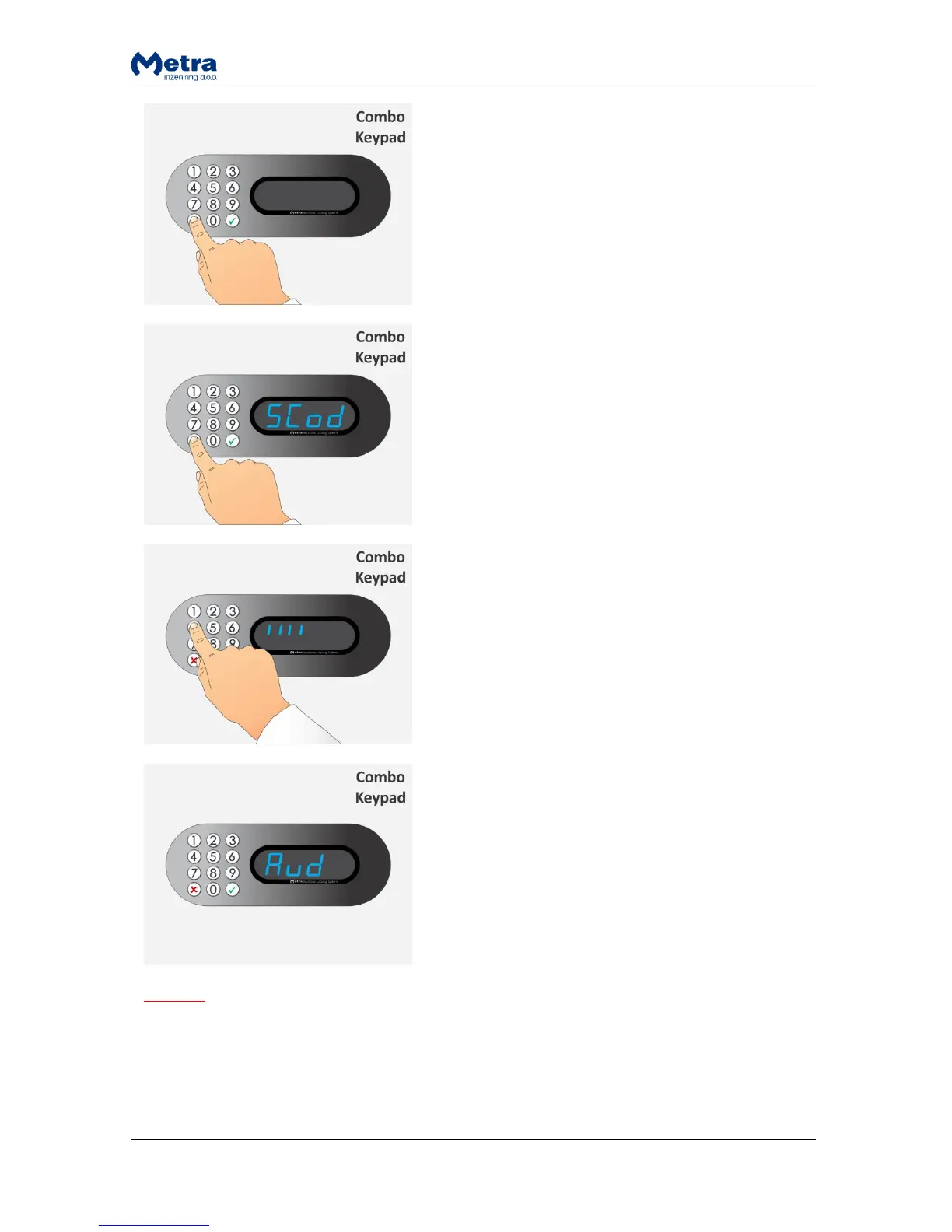
STEP 1: To enter Basic Setup mode press and hold the
key for more than 3 seconds.
STEP 2: Sign “SCod” starts flashing beep acoustic signal is
heard.
STEP 3: Type-in a Setup code (up to 16 digits). Signs “I”
are displayed for each entered digit. Confirm the Setup
code with the key.
NOTE: The key cancels the procedure.
STEP 4: If correct Setup code was entered the Locker
Controller turns to Basic Setup mode of operation. Sign
“CodE” (if “Special Keys Mode” is set to “On-line” in
Metra ELS/LCC NET software) or “Aud” (if “Special Keys
Mode” is set to “Off-line” in Metra ELS/LCC NET
software) as first parameter is displayed.
NOTE
Basic Setup mode does not exit automatically! To exit the Basic Setup mode of operation press and
hold the key. If any changes are made, they are saved upon exit and “YES” is displayed.
When you enter Basic Setup mode, you can scroll down through menu by pressing on “8” or “0” key
and up by pressing the “2” key. Use the key to confirm selection and key to cancel.



 To Next Page