■■■■■■■■■■■■■■■■■■■■■■
3 Installation
874 Oven Sample Processor
■■■■■■■■
29
Registering and configuring the instrument in the computer
software
The instrument must be registered in the configuration of your computer
software. Once that has been done, you can then configure it according
to your requirements. Proceed as follows:
1
Setting up the instrument
■ Start the computer software.
The instrument is automatically recognized. The configuration dia-
log for the instrument is displayed.
■ Make configuration settings for the instrument and its connectors.
More detailed information concerning the configuration of the
instrument can be found in the documentation for the respective
computer software.
3.15 Connecting MSB devices
In order to connect MSB devices, e.g. stirrers or dosing devices, Metrohm
instruments are equipped with up to a maximum of four connectors on
what is referred to as the Metrohm Serial Bus (MSB). Various kinds of
peripheral devices can be connected in sequence (in series, as a
"Daisy Chain") at a single MSB connector (8-pin Mini DIN socket) and con-
trolled simultaneously by the respective control instrument. In addition to
the connection cable, stirrers and the Remote Box are each equipped with
their own MSB socket for this purpose.
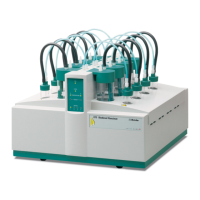
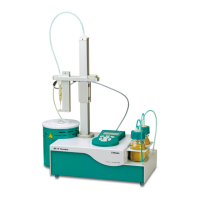
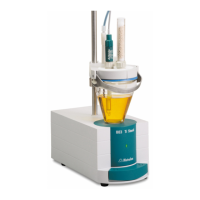
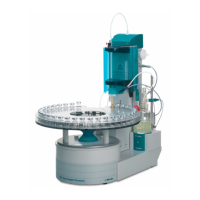
The following figure provides an overview of the instruments that can be
connected to an MSB socket, along with a number of different cabling
variations.











 To Next Page