3.15 Connecting MSB devices
■■■■■■■■■■■■■■■■■■■■■■
32
■■■■■■■■
874 Oven Sample Processor
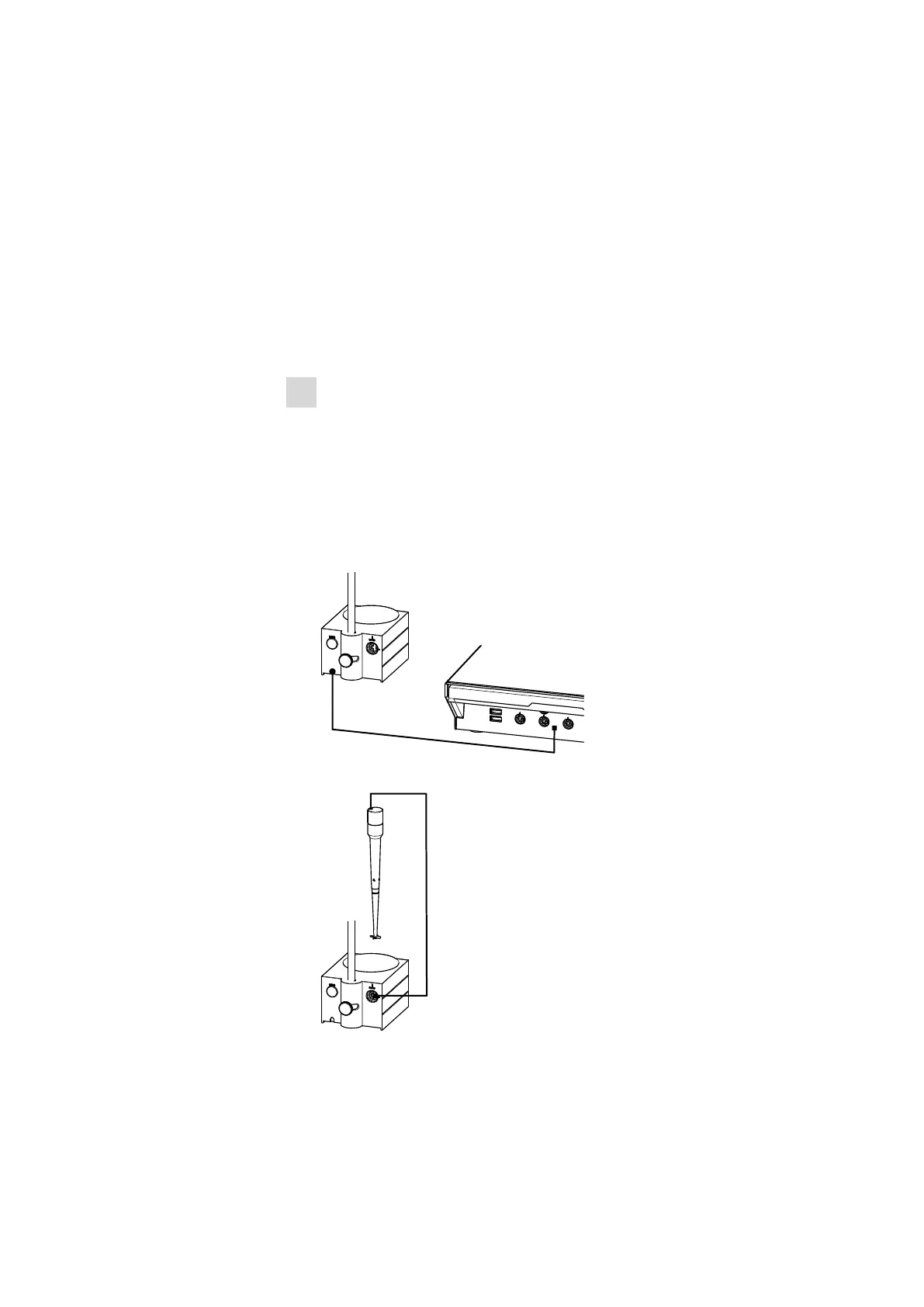
3.15.2 Connecting a stirrer or titration stand
You can use the following instruments:
■ 801 Stirrer
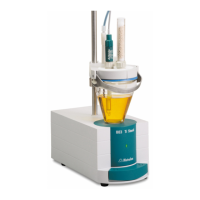
■ 803 Ti Stand
These devices have a built-in magnetic stirrer (stirring "from below"):
■ 804 Ti Stand with rod stirrer 802 Stirrer
This device has no built-in magnetic stirrer (stirring "from above"):
Connect a stirrer or a titration stand as follows:
1
Connecting the stirrer or titration stand
■ Exit the control software.
■ Connect the connection cable of the magnetic stirrer or of the
titration stand to one of the sockets marked with MSB on the
rear of the control instrument.
■ 804 Ti Stand only: Connect the rod stirrer to the stirrer connector
(socket with stirrer symbol) of the titration stand.
■ Start the control software.
Figure 20 Connecting an MSB stirrer
Figure 21 Connecting the rod stirrer to the titration stand











 To Next Page