© Microhard 55
4.0 Configuration
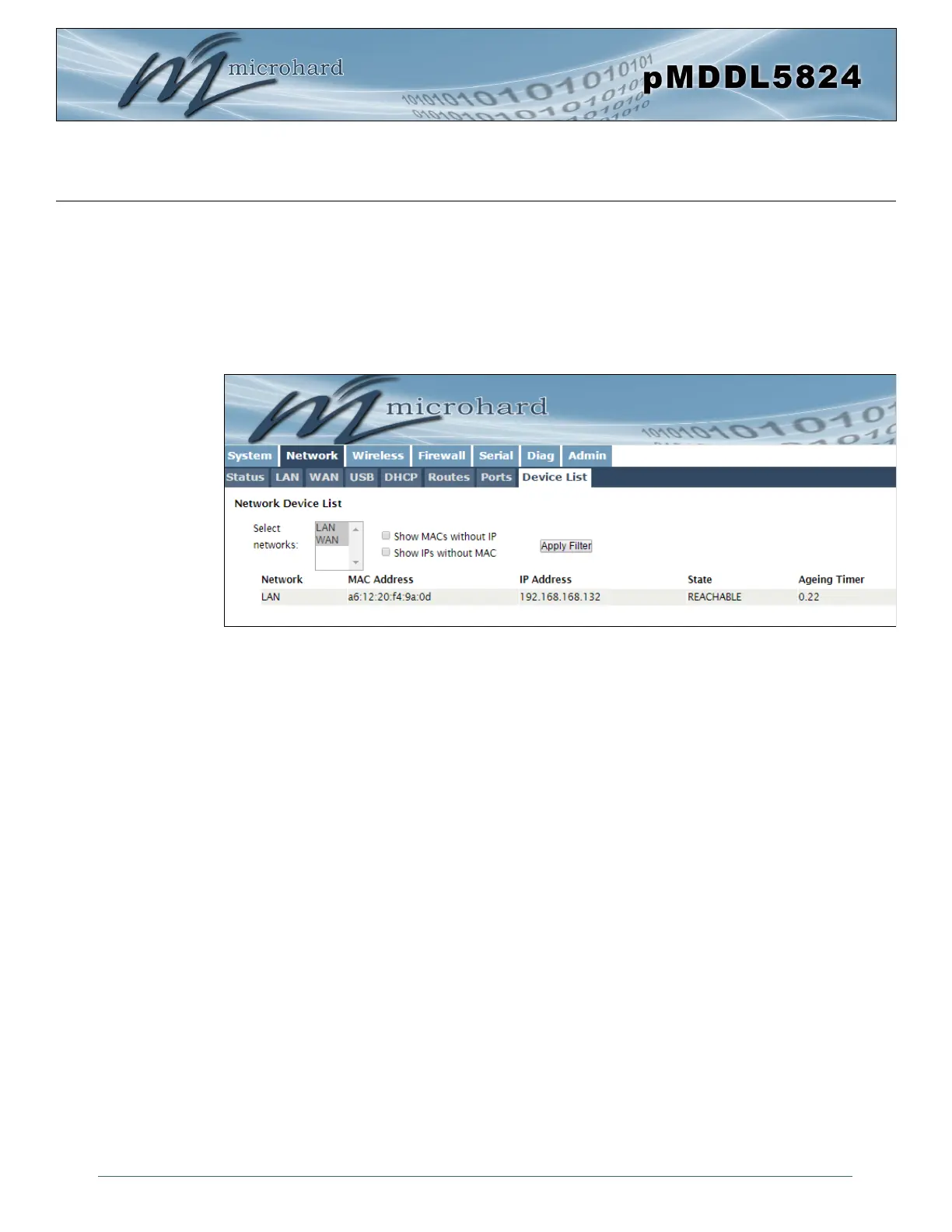
Image 4-2-11: Network > Device List
4.2.8 Network > Device List
The Network > Device List shows the current ARP table for the local network adapter. The MAC address
and IP address are shown, however not only DHCP assigned devices are listed in the device list, any
devices, even those statically assigned, that are connected through the local network interface (s) are
displayed, including those connected through a hub or switch.
Devices can also be filtered by the network that they are attached to. Devices with a MAC and no IP and
vise versa can also be filtered.



 To Next Page