PAGE 11
© 2021 OJ Electronics A/S
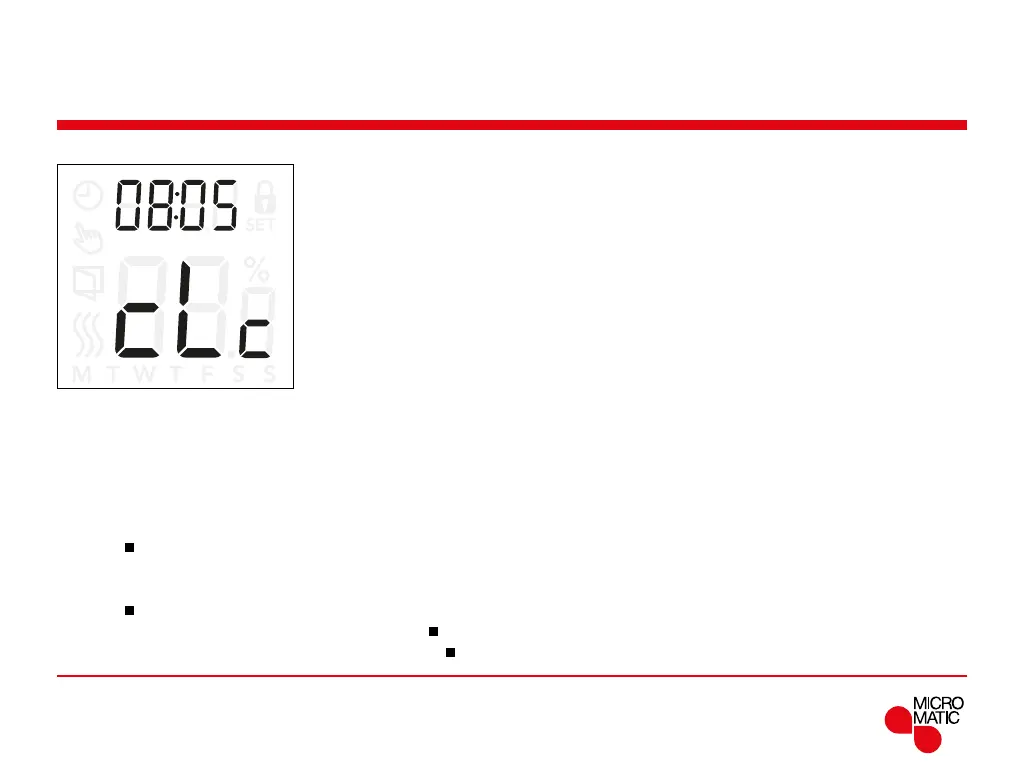
Time settings (cLc)
REMOTE
This option allows you to set the time. The time settings is
used to control the event during scheduled operation.
Access clock settings:
• Press ”
”for 3 seconds to enter the settings.
• Scroll through the settings until
cLc appears on the
display.
• Press ”
”to enter the options.
• Use ”” or ”” to change hours. Return with ”
”.
• Use ”” or ”” to change minutes. Return with ”
”.
Menu structure:
cLc: 00:00 to 23:59



 To Next Page