PAGE 16
© 2021 OJ Electronics A/S
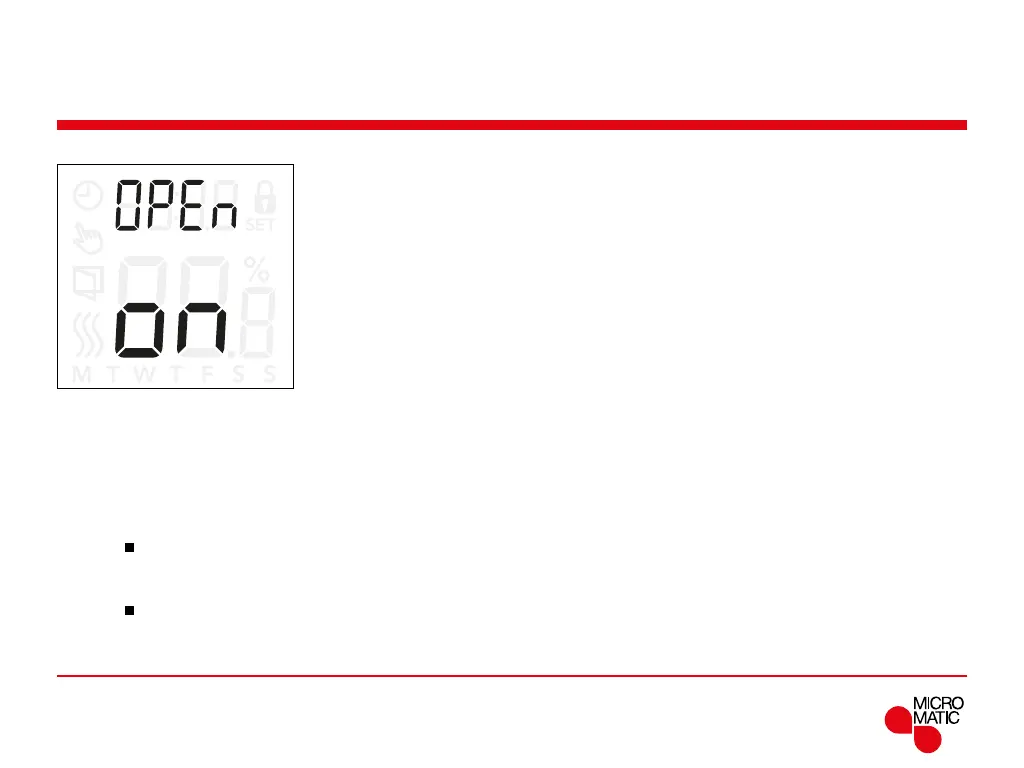
Open Window (OPEn)
This setting allows you to enable the ”Open window”
function.
The thermostat can detect an open window by registering
a rapid drop in temperature.
With the function enabled, the thermostat stops heating
for 30 minutes if an open window is detected.
Menu structure:
open:
On: Open window function is enabled.
O: Open window function is disabled.
REMOTE
Access settings for open window function:
• Press ”
”for 3 seconds to enter the settings.
• Scroll through the settings until
open appears on the
display.
• Press ”
”to enter the options.
• Use ”” or ”” set the open window function On or
O.



 To Next Page