PAGE 24
© 2021 OJ Electronics A/S
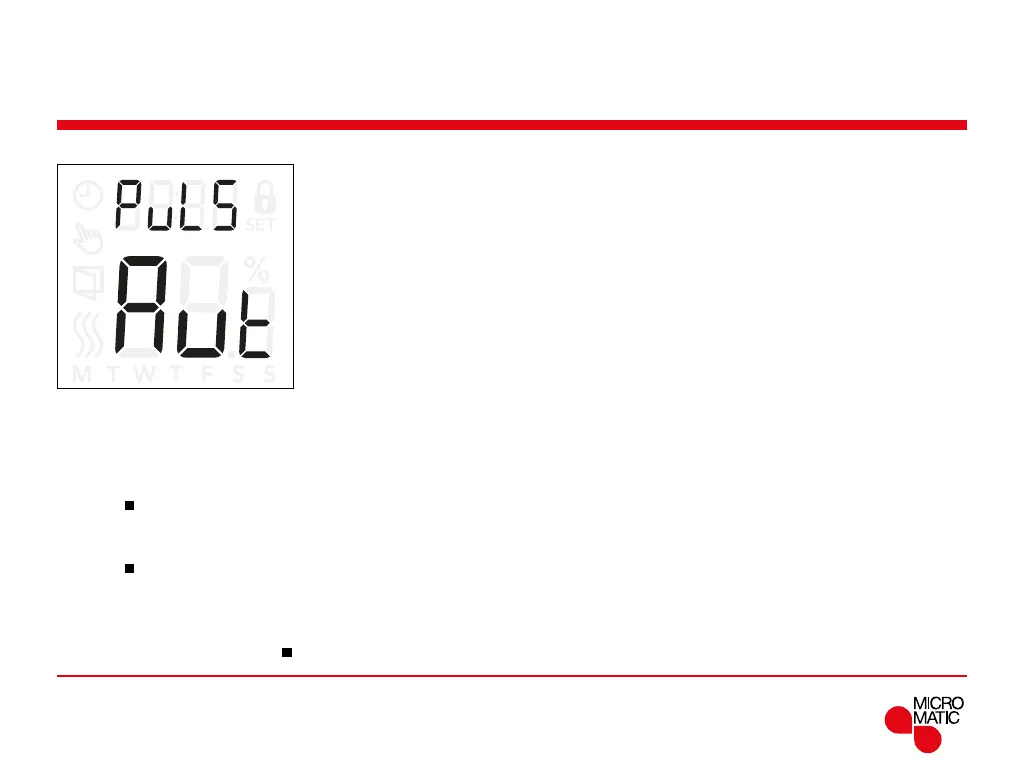
Pulse width modulation (PuL5) 1/2
With this setting, you can change the duration of the
heating periods.
O: Simple “on/o” regulation, where the relay is on when
the measured temperature is below the setpoint and o
when the measured temperature is above the setpoint.
A hysteresis (
DiFF) is used to avoid too frequent relay
switching.
On: The relay is o or on depending on the average
temperature measured in a fixed period of time (10...60
minutes).
Depending on the temperature deviation, the duty cycle of
the “on time” is increased or decreased, giving longer or
shorter time periods when the heating is active.
REMOTE
Access Pulse Width Modulation (PWM) settings:
• Press ”
”for 3 seconds to enter the settings.
• Scroll through the settings until
PuL5 appears on the
display.
• Press ”
”to enter the options.
• Use ”” or ”” to change the regulation type.
• Choose either
Aut, off or on. See page 24 and 25 for
further information of the regulation types.
• Return to the settings with ”
”.



 To Next Page