PAGE 15
© 2021 OJ Electronics A/S
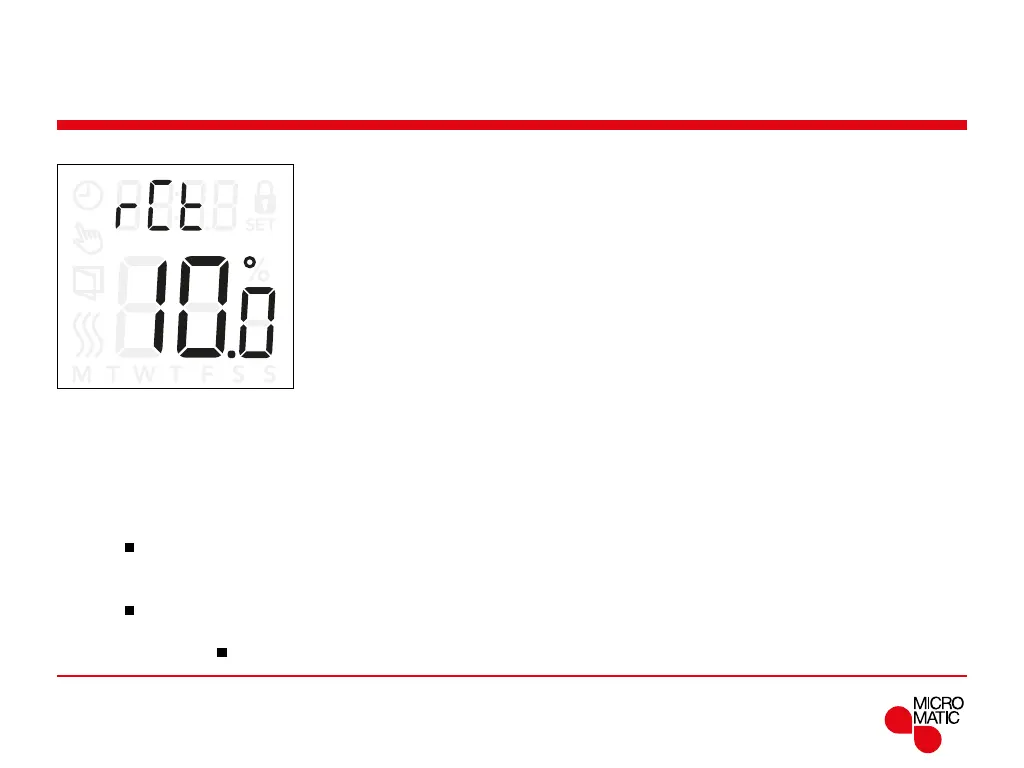
Remote Control (rCt)
This setting allows you to set the temperature setpoint for
the thermostat, when it is remote controlled.
Remote control is activated from a 230V signal possibly
through an external control, clock or timer, connected to
the S-terminal.
When the thermostat is remote controlled “REMOTE” is
shown in the display.
This setting is factory set to 10°C but can be set between
5 and 25°C in steps of 0.5°C.
Menu structure:
rct: 5 and 25°C
REMOTE
Access remote controlled temperature settings:
• Press ”
”for 3 seconds to enter the settings.
• Scroll through the settings until
rct appears on the
display.
• Press ”
”to enter the options.
• Use ”” or ”” to set the temperature between 5 and
25°C. Return with ”
”.



 To Next Page