PAGE 19
© 2021 OJ Electronics A/S
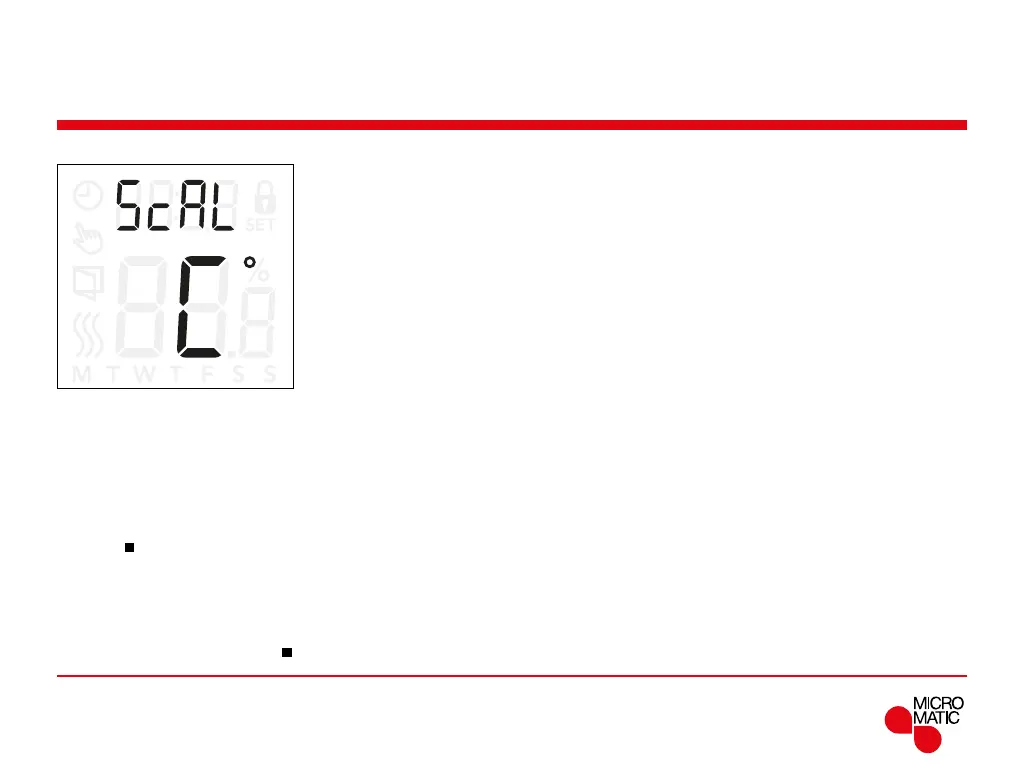
Temperature scale (5cAL)
REMOTE
This setting sets the temperature scale which will be
displayed. Either as celsius or a numerical value.
Temperature values:
• C°: The temperatures will be displayed as celsius.
• nu: The temperatures will be displayed as a numerical
value (1-10).
Access the Temperature Scale settings:
• Press ”
”for 3 seconds to enter the settings.
• Scroll through the settings until
5cAL appears on the
display.
• Use ”” or ”” to choose to show the temperature in
either Celsius or a numerical value.
• Return to the settings with ”
”.
Menu structure:
5cAL:
C°: temperatures displayed as celsius
nu: temperatures displayed as a numerical value.



 To Next Page