PAGE 26
© 2021 OJ Electronics A/S
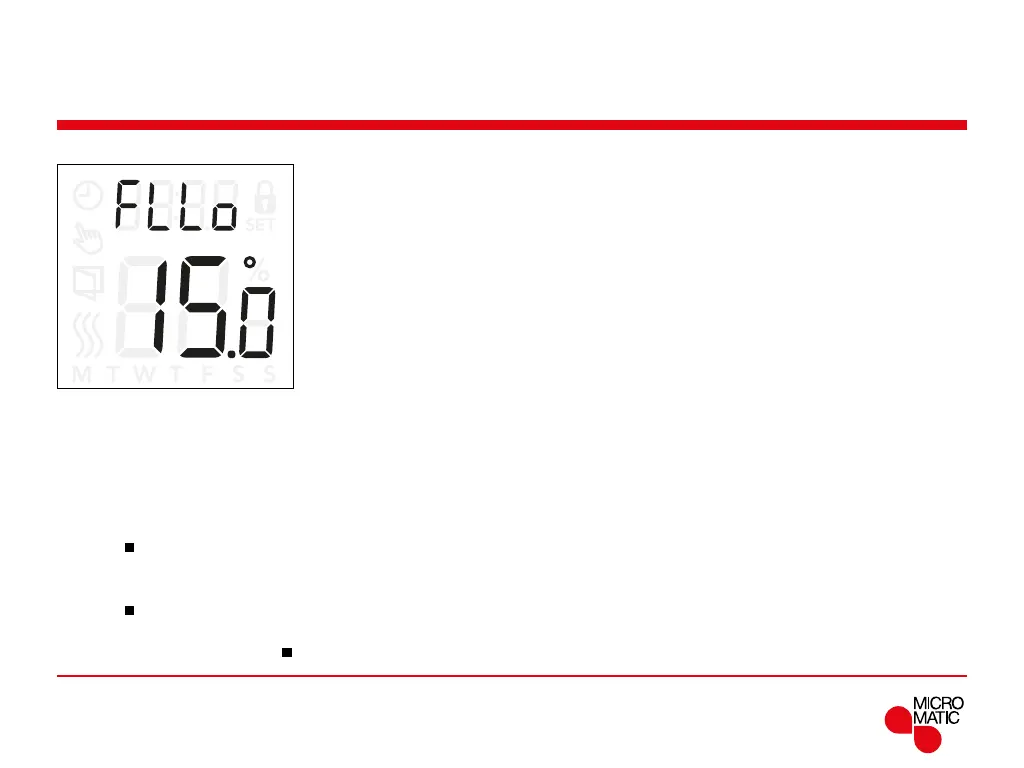
Floor temperature limits (FLLo, FLHi)
These settings allow you to set the minimum and
maximum limits for the floor temperature, for example to
protect sensitive floors..
Floor temperature limits:
Floor temperature limits allow you to set the highest
(
FLHi) and lowest (FLLo) permissible floor temperature
during room temperature control with the sensor
application rF.
If the floor temperature rises above the maximum
temperature limit, the thermostat will deactivate the
heating system to protect sensitive floor types.
If the floor temperature drops below the minimum
temperature limit, the thermostat will activate the heating
system to maintain the temperature above the set
minimum.
Note: that this feature is only applicable in sensor
application rF.
Menu structure:
FLHi: 0...40°C
FLLo: 0...40°C
REMOTE
Access the Floor Limit settings:
• Press ”
”for 3 seconds to enter the settings.
• Scroll through the settings until either
FLLo (Floor limit
low) or
FLHi (Floor limit high) appears on the display.
• Press ”
”to enter FLLo or FLHi.
• Use ”” or ”” to adjust the temperature limits.
• Return to the settings with ”
”.



 To Next Page