PAGE 29
© 2021 OJ Electronics A/S
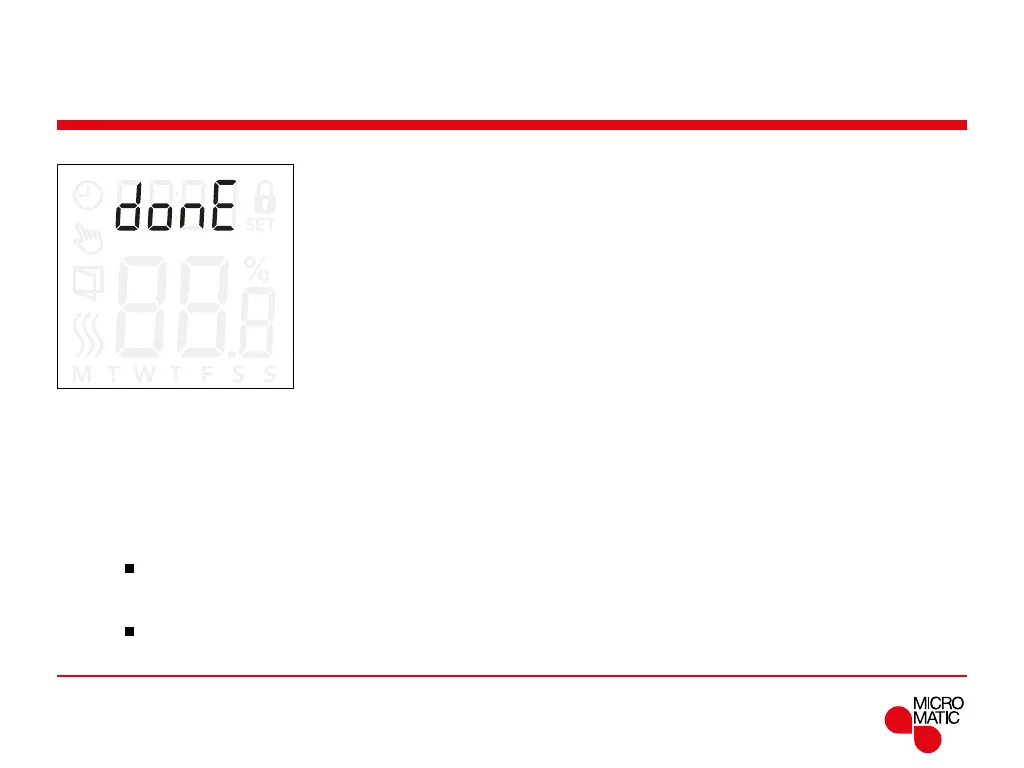
Exiting the menu (donE)
All changes in the settings are saved once the menu is
exited.
The settings can be exited either by using the ”
donE”
option, or if no buttons pressed for 30 seconds.
Menu structure:
donE: Return to main screen
REMOTE
Exiting the menu:
• Press ”
”for 3 seconds to enter the settings.
• Scroll through the settings until
donE appear on the
display.
• Press ”
”to exit the menu and return to the main
screen.



 To Next Page