PAGE 18
© 2021 OJ Electronics A/S
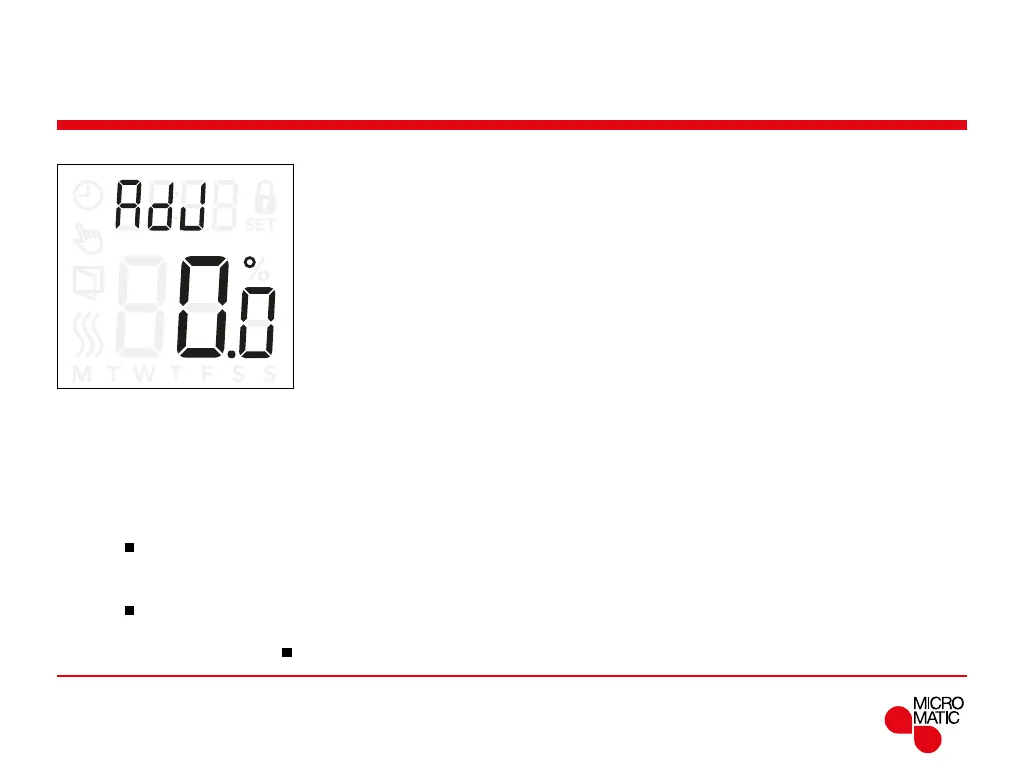
Adjust (AdJ)
This option allows you to calibrate the measured room
temperature.
You should only calibrate the sensor if the temperature
reading diers significantly from the actual temperature.
Note that with sensor application F, the temperature is
measured in the floor, this temperature would be higher
than the ambient temperature.
Adjust is not applicable if the sensor application is set to
C.
Menu structure:
ADJ: Measured temperature -9,9...10°C
REMOTE
Access adjustment settings:
• Press ”
”for 3 seconds to enter the settings.
• Scroll through the settings until either
ADJ appears on
the display.
• Press ”
”to enter Adjustment options.
• Use ”” or ”” to adjust the temperature.
• Return to the settings with ”
”.



 To Next Page