PAGE 13
© 2021 OJ Electronics A/S
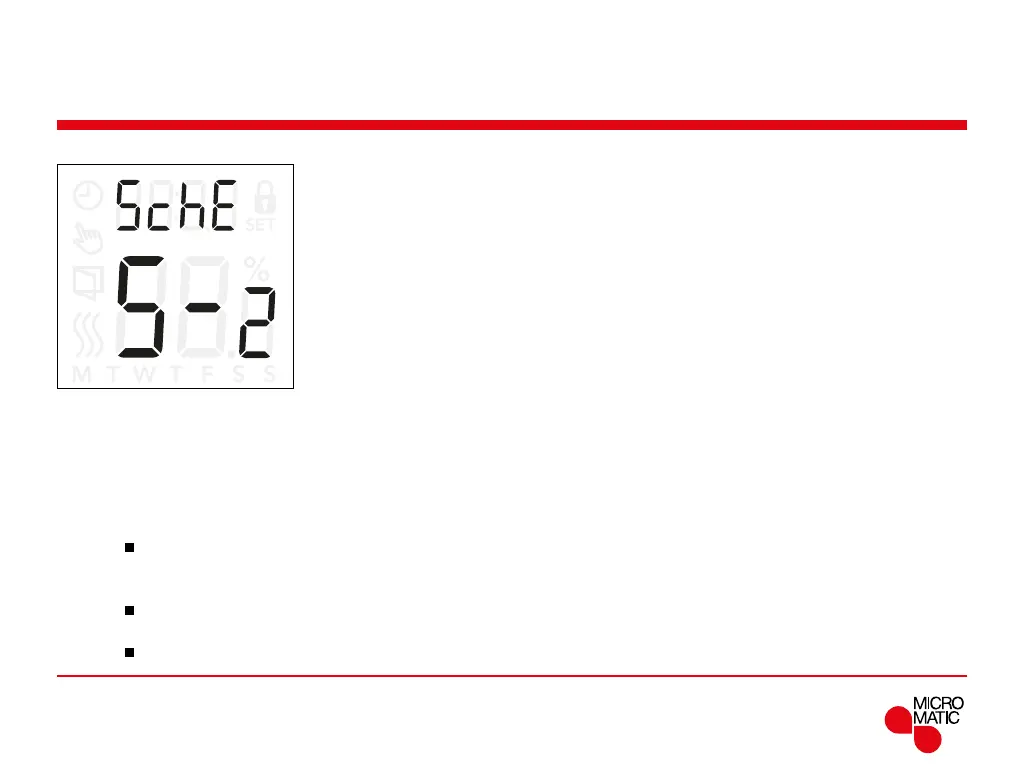
Schedule and events (5chE)
This option allows you to choose the schedule that best
fits your needs. you can also turn it o.
To adjust a preset schedule, see page 7.
The schedules dier in the number of days with 4 events
and 2 events.
Denition of dierent schedule types:
OFF: Events are disabled and the setpoint temperature
is maintained 24/7
5-2: Monday to Friday with 4 events,
Saturday and Sunday with 2 events
6-1: Monday to Saturday with 4 events,
Sunday with 2 events
1E4: Monday to Sunday with 4 events
7E4: Monday to Sunday are individual, with 4 events
1E2: Monday to Sunday with 2 events
REMOTE
Access schedule and event settings:
• Press ”
”for 3 seconds to enter the settings.
• Scroll through the settings until
5che appears on the
display.
• Press ”
”to enter the options.
• Use ”” or ”” to change the schedule.
• Press ”
” to return to the settings.



 To Next Page