PAGE 28
© 2021 OJ Electronics A/S
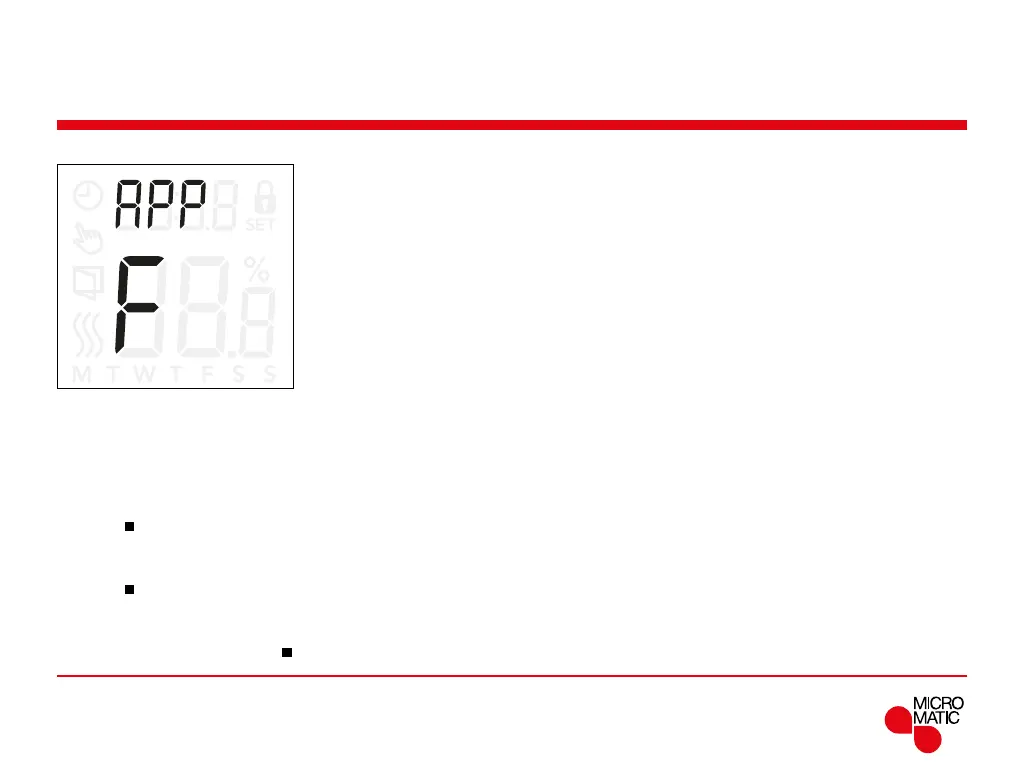
Sensor application (APP)
REMOTE
This option allows you to choose which sensor is used to
control the heating system.
•
r: The internal room sensor inside the thermostat, con-
trols the heating system.
•
rE: An external room sensor (connected to the floor
sensor terminals) controls the heating system.
•
rF: The internal room sensor controls the heating
system subject to maximum and minimum limits
for floor temperature. The maximum temperature
limit protects wooden floors from excessive heat.
The minimum temperature limit prevents the floor
from becoming uncomfortably cold when heating is
not needed, such as in a bathroom. Note that this
function will increase energy consumption. Floor limit
temperatures are set in the “FLLo, FLHi” settings.
(see page 26)
•
C: The thermostat operates as a regulator and no sen-
sors are used. Note that floor protection is not active
when using this application.
•
F: The external floor sensor controls the heating system
Access sensor application:
• Press ”
” for 3 seconds to enter the settings.
• Scroll through the settings until
APP appears on the
display.
• Press ”
” to enter the sensor application setting.
• Use ”” or ”” to select the application that fits your
installation.
• Return to the settings with ”
”.
Menu structure:
APP: r; rE; rF; C; F



 To Next Page