2 MIC SAS Menu Selection
REMOVE THE BRASS SAMPLE PLUG
1. Remove the sample tube from the instrument.
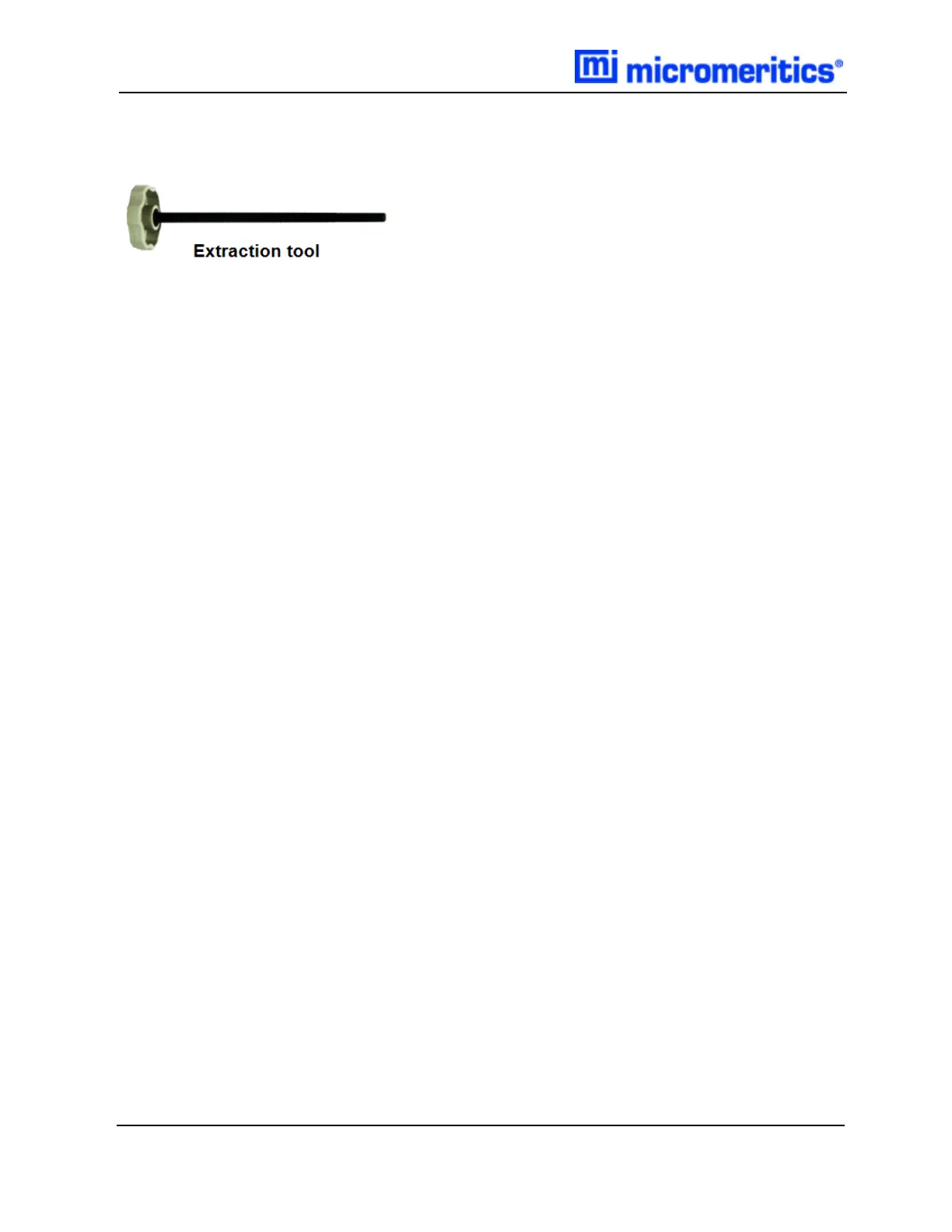
2. Insert the extraction tool into one sample brass plug and screw the extraction tool into the
brass plug.
3. Remove the brass plug from the bottom of sample tube.
4. Pour out the sample, or, if necessary, push the sample out by pushing the remaining plug with
the extraction tool.
2 - 4
MIC SAS II 5800 Operator Manual
580-42800-01 (Rev - ) — June 2019



 To Next Page
 Loading...





