69
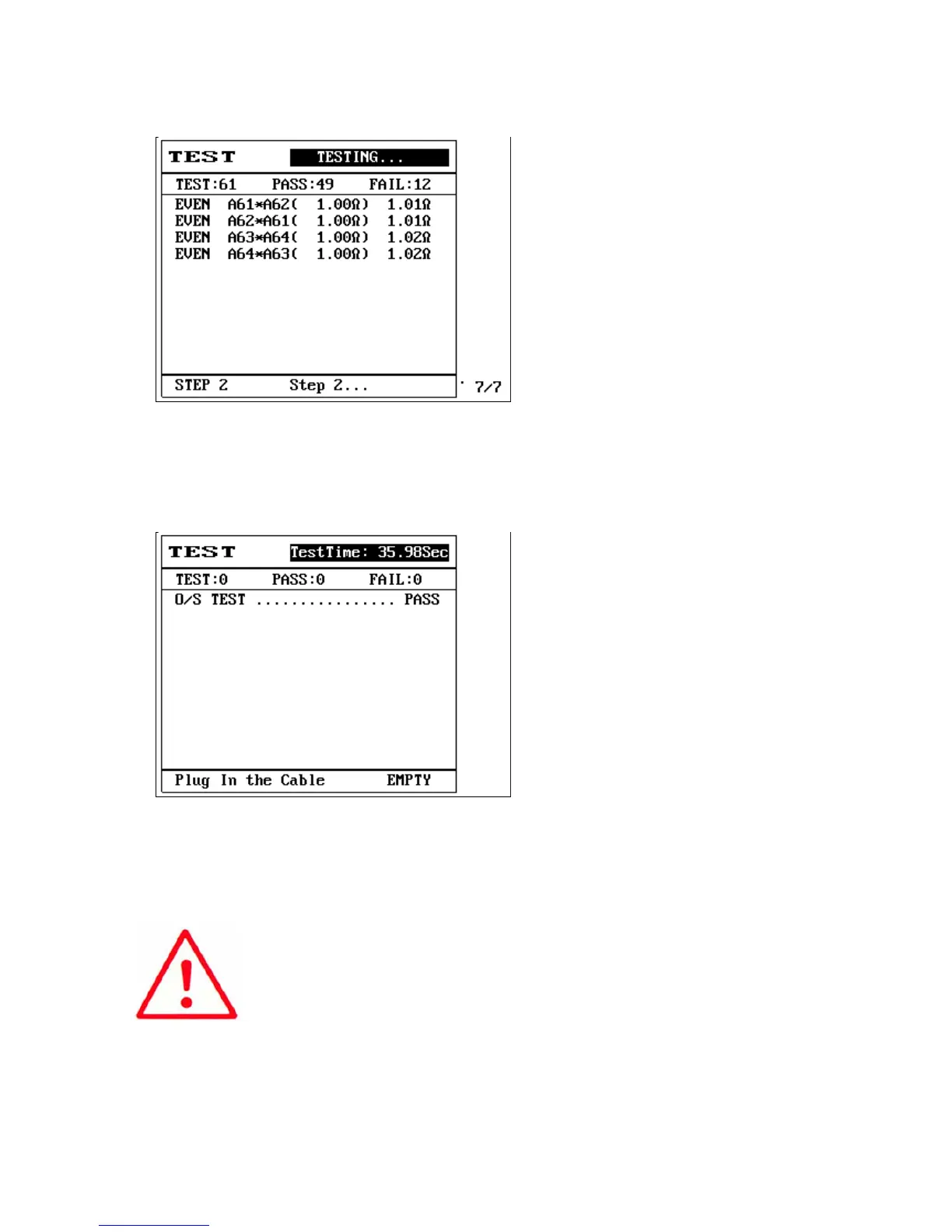
(19) First step PASS, the LCD screen will display {Wait for test step 2}.
(20) And so on until all 5 steps set are completed, the LCD screen will display as follows:
(21) This completes the step test.
Note:
1. When each test step is completed, the machine will scan for short circuits
(O/S). The machine will only perform the next test step after the short circuit
(O/S) status changes.
2. If you want the machine to perform the next test step without waiting for
the short circuit (O/S) status change, please set the [test start method] in the
file test mode of that test step as



 To Next Page