74
4.3.8 Import File
Import file imports files on the USB flash drive to the tester; its instructions are as follows:
(1) Press [SHIFT] + [File].
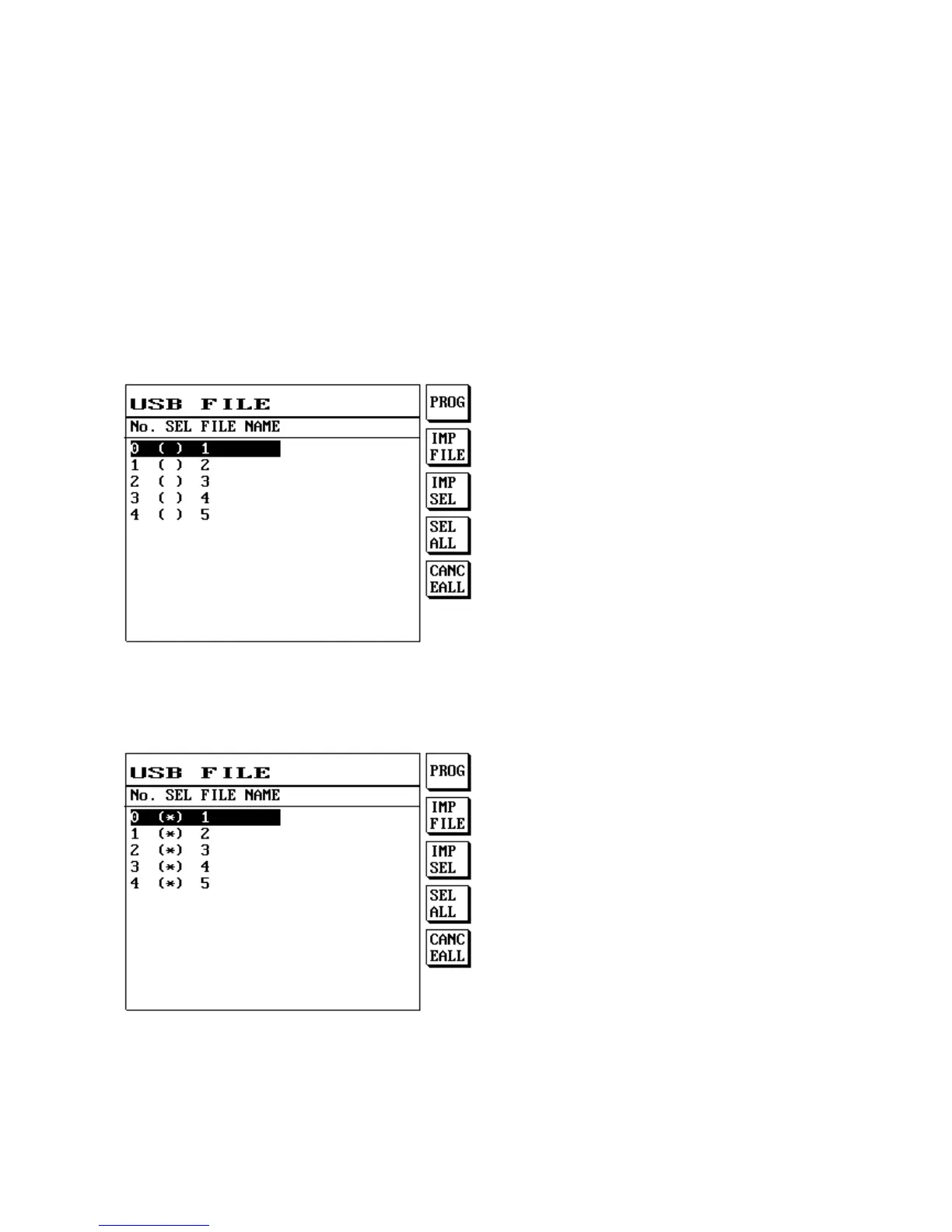
(2) The LCD screen will display as follows:
1. Enters the import file screen.
2. Press S1 [PROG] or S4 [SEL ALL] to select the file to import; on the other hand you can press S5
[CANC EALL] to cancel the selected files.
3. Press S1 [SET STEP] to import the file currently selected (highlighted) using the up and down
buttons; the file will be imported whether it was selected or not. Press S3 [UPLOAD] to import
the file selected using S1 [SET STEP] or S4 [UP ALL].



 To Next Page