Additional functions
56
Start time
Setting a start
time
A later wash start time can be allocated to a programme using the
"Start time" button.
Select the programme required.
When a programme has been selected, the display shows (e.g.):
1 Mops standard
13,0/13,0 kg
Pre-wash
Main wash
+
90
-+
Cold
°C
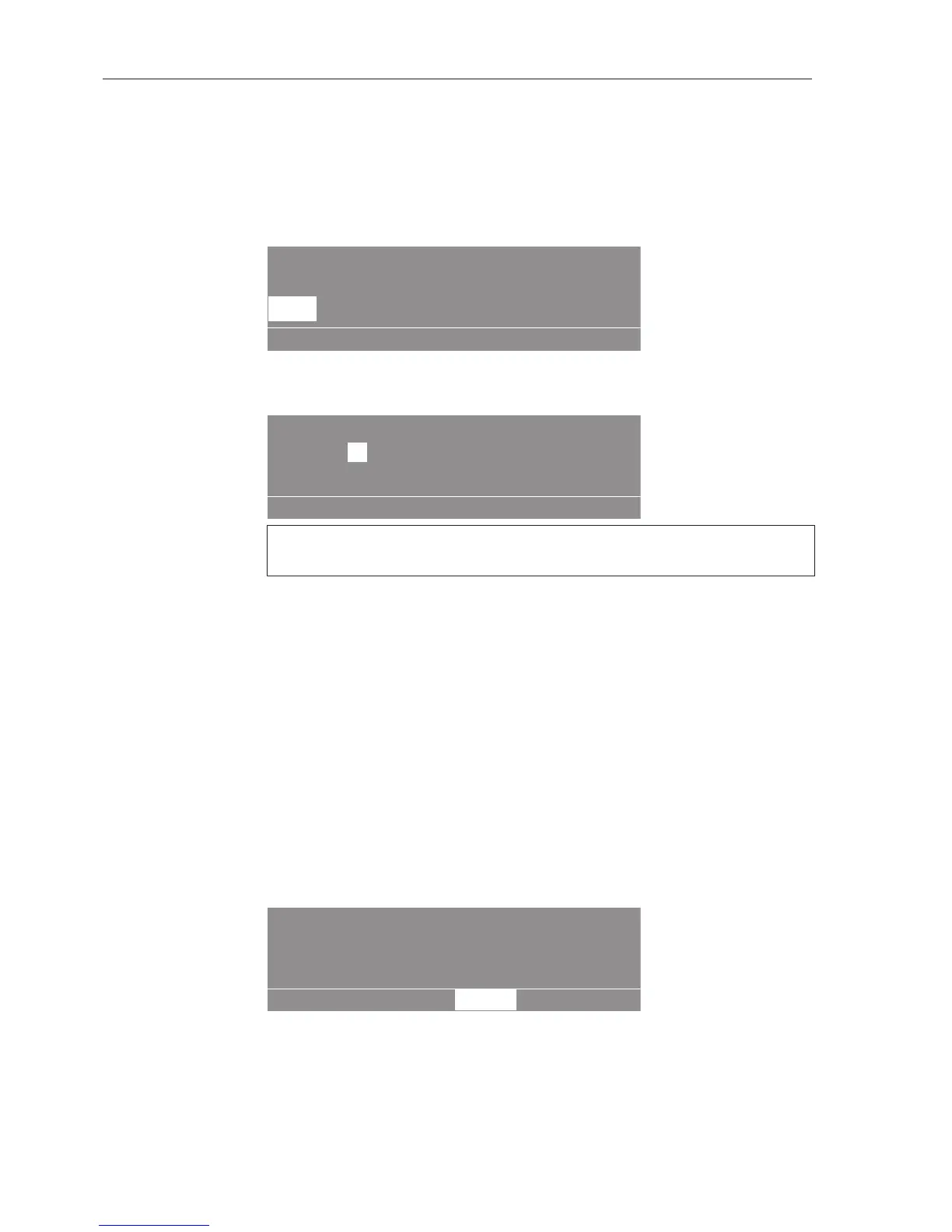
Press the Start time button.
The following (e.g.) will appear in the display:
1 Mops standard
13,0/13,0 kg
Start time:20 :14 Start date: 3.1.2015
After selection press the start button.
OK
The current time and date always appear. The entry field for hours is
highlighted.
Press OK .
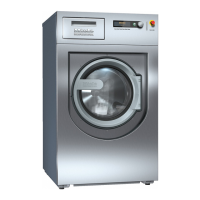
The entry field for hours will be enabled.
Press the - or + button to change the hours.
Press OK to confirm your entry.
Press to select the "Minutes" field, and confirm with OK.
Press the - or + button to change the minutes.
Press to select the "Start day" field, and confirm with OK.
Press the - or + button to change the day.
Change the month and year in the same way if required.
Once you have set the start time, press "START".
The display shows the current time and date and the start time.
1 Mops standard
13,0/13,0 kg
Pre-wash
+
20:50 3.1.2015 Start: 6:00
4.1.2015
- -
Tip: If the drum door is opened again, the "START" button must be
pressed again. Opening the door clears the start time set.
Cancelling the
start time
Press the "Start time" or "Back" button.
The changes will not be saved.


 To Next Page