Access to Supervisor level / changing the password
87
Password
The supervisor level is accessed by entering a four-digit password
from the character set provided. It can only be selected at the start or
end of a programme.
Press the button until the symbol changes to .
Press the button again.
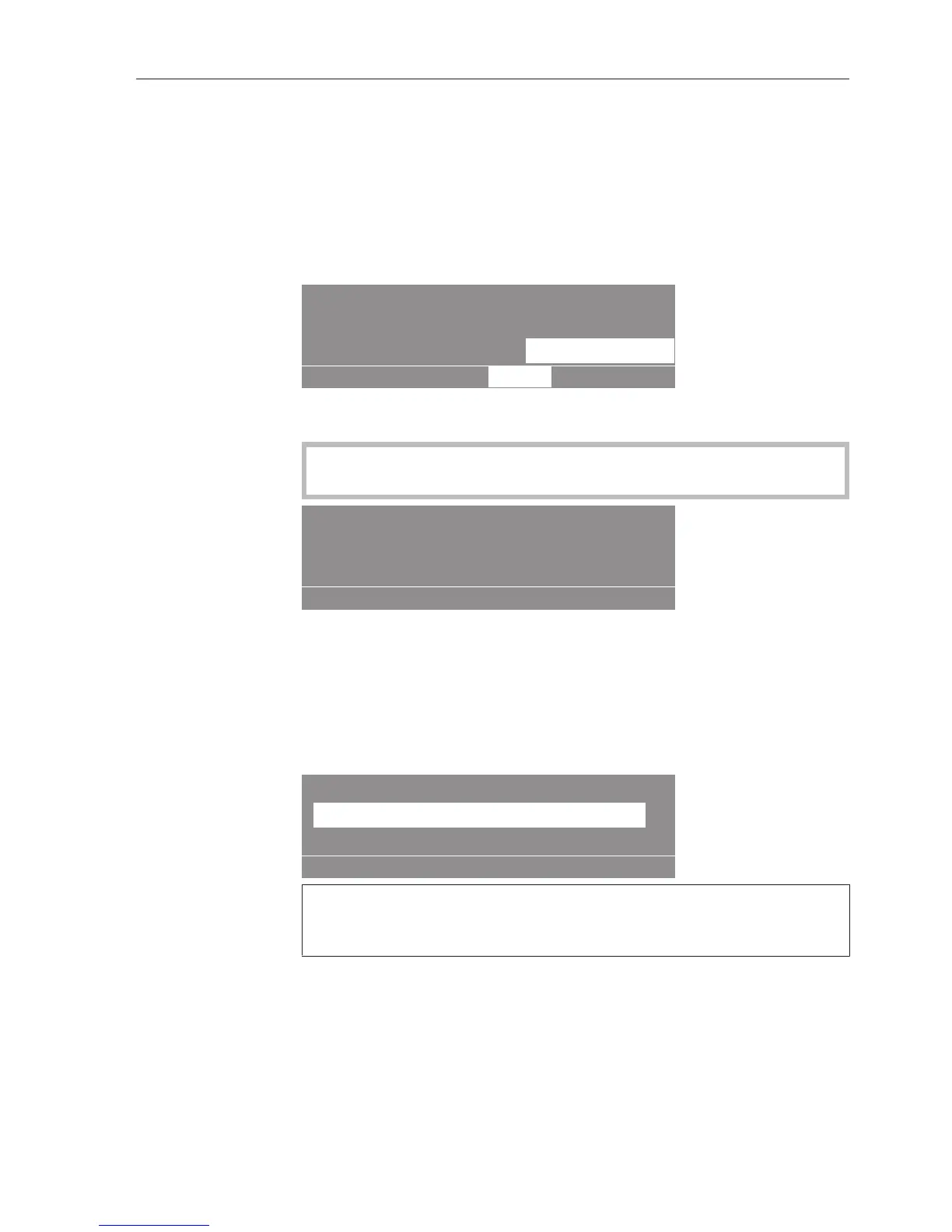
The following will appear in the display:
Settings Back
Main menu
OK
Supervisor level
Language
Select "Supervisor level" and press OK. The password entry screen
will appear.
The first time you access the supervisor level, enter the password
"M1LE".
Password:
_ _ _ _
0123456789
ABCDEFGHIJKLMNOPQRSTUVWXYZ
OK
Select a letter or digit and confirm your entry with the OK button.
When OK is pressed, the character selected will appear in the corres-
ponding position.
Press the "Save" button once you have entered all four charac-
ters.
The supervisor level will open once you have entered the password.
Supervisor level
Main menu
Language english (GB)
12.5.2015: 11:43Time/Date
OK
If no function is carried out within 30 seconds, if the button is
pressed, or if an incorrect password is entered, the same display
content will be shown as after a power interruption.


 To Next Page