User Manual
12
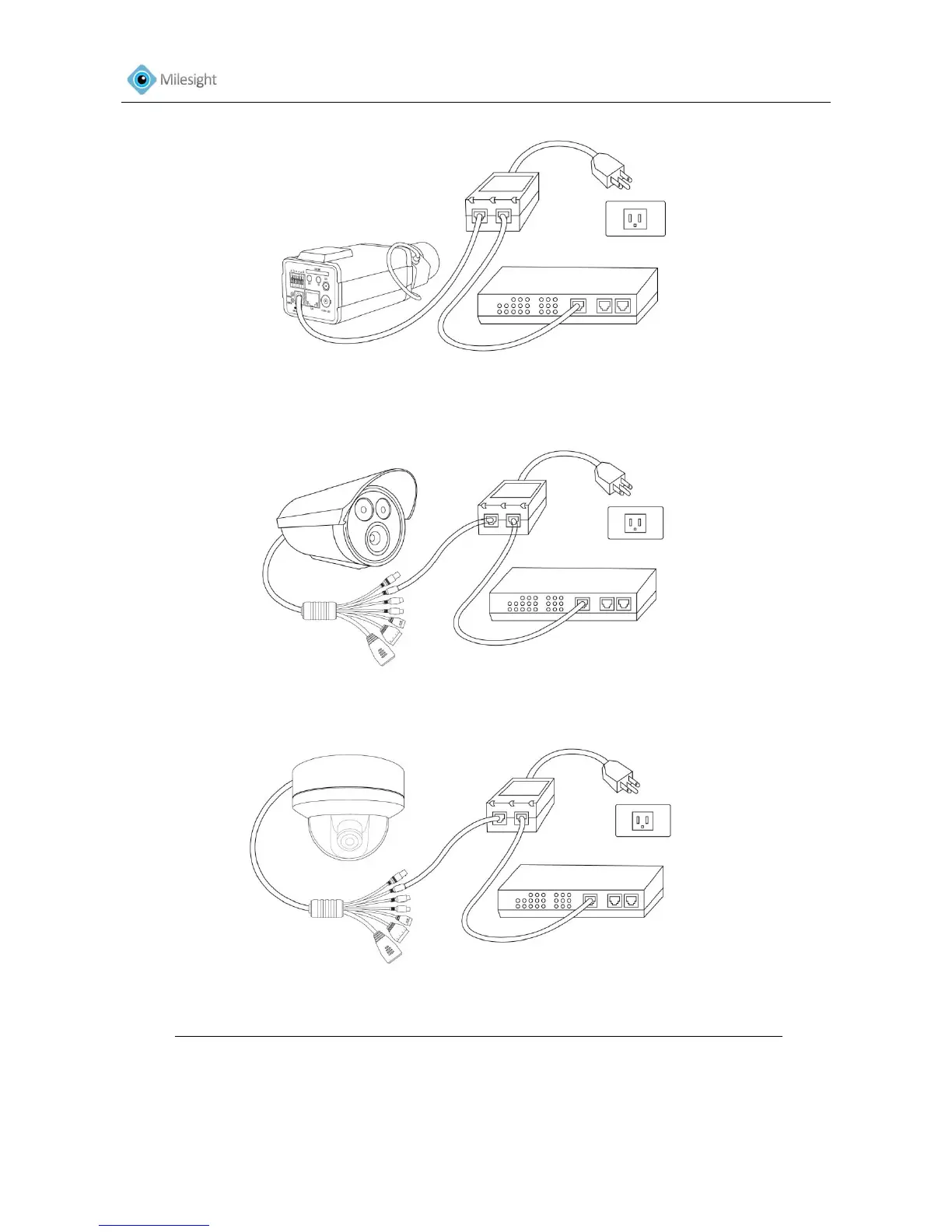
Figure 1-13Box Camera
Figure 1-14 Bullet Camera
Figure 1-15Dome Camera
The power LED will light steady red when the camera is connected to a power source
2. Optionally connect external input/output devices, such as alarm devices.
3. Optionally connect an active speaker or external microphone.
4. Optionally connect the camera to a monitor using a BNC cable.











 To Next Page