User Manual
www.milesight.com 10
3. Local Operation
3.1 Wizard Setting
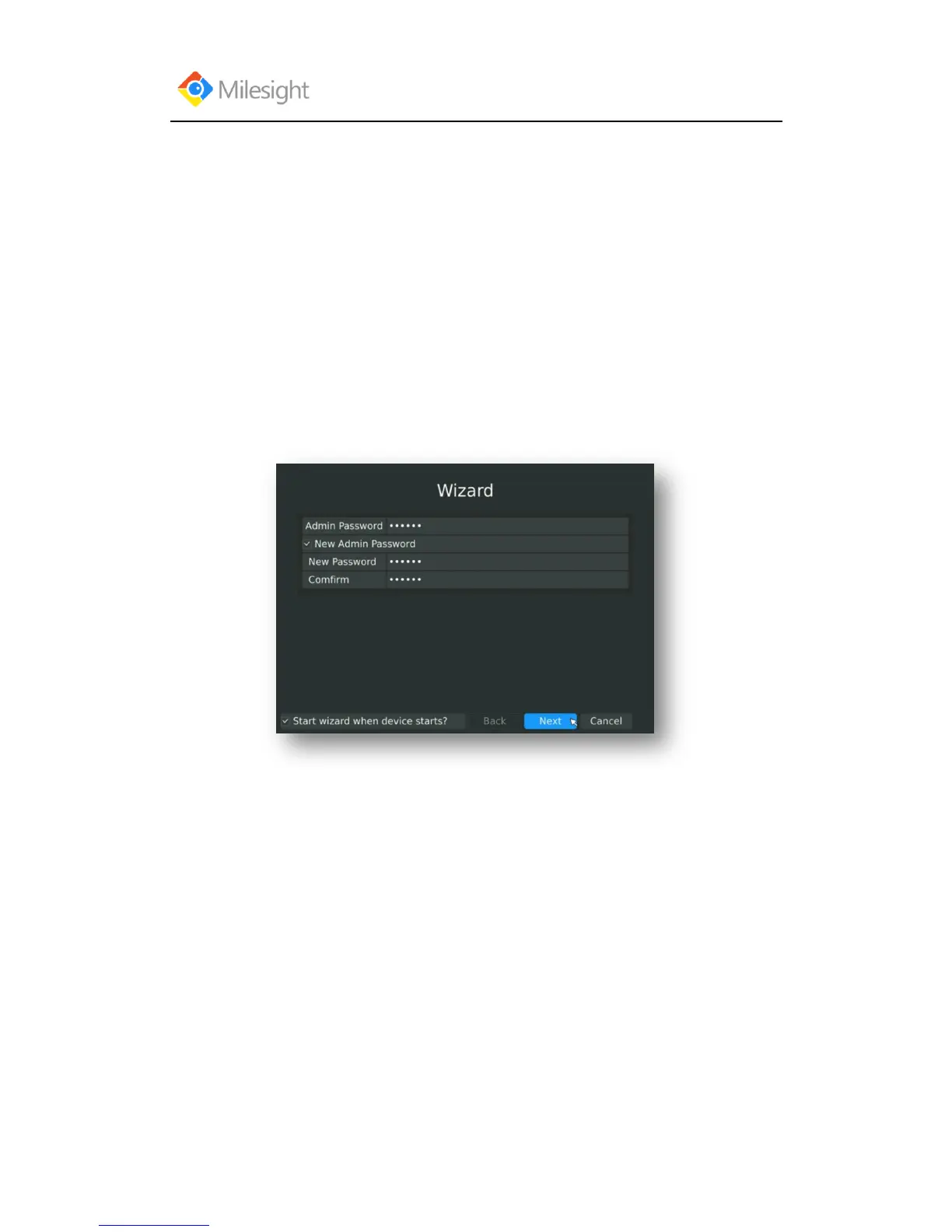
By default, the Setup Wizard will start once the NVR has loaded. The Setup Wizard will guide you
complete some important settings to make sure the device function well. You can choose if you
will enable wizard when device starts.
Please complete the configuration as following:
Step1. Input the username and password (Default username is „admin‟ and password is
„123456‟)
If you want to modify the admin password, input the new password.
Step2. Date and time setting
Select the Time Zone and Date Format or you can set date and time manually.



 To Next Page