User Manual
www.milesight.com 85
3.8.5 User Account Settings
By default, your NVR comes with the user name: “admin” and the password: “123456”. The
administrator has the authority to add or delete a user account and configure parameters for the
user.
Add New User
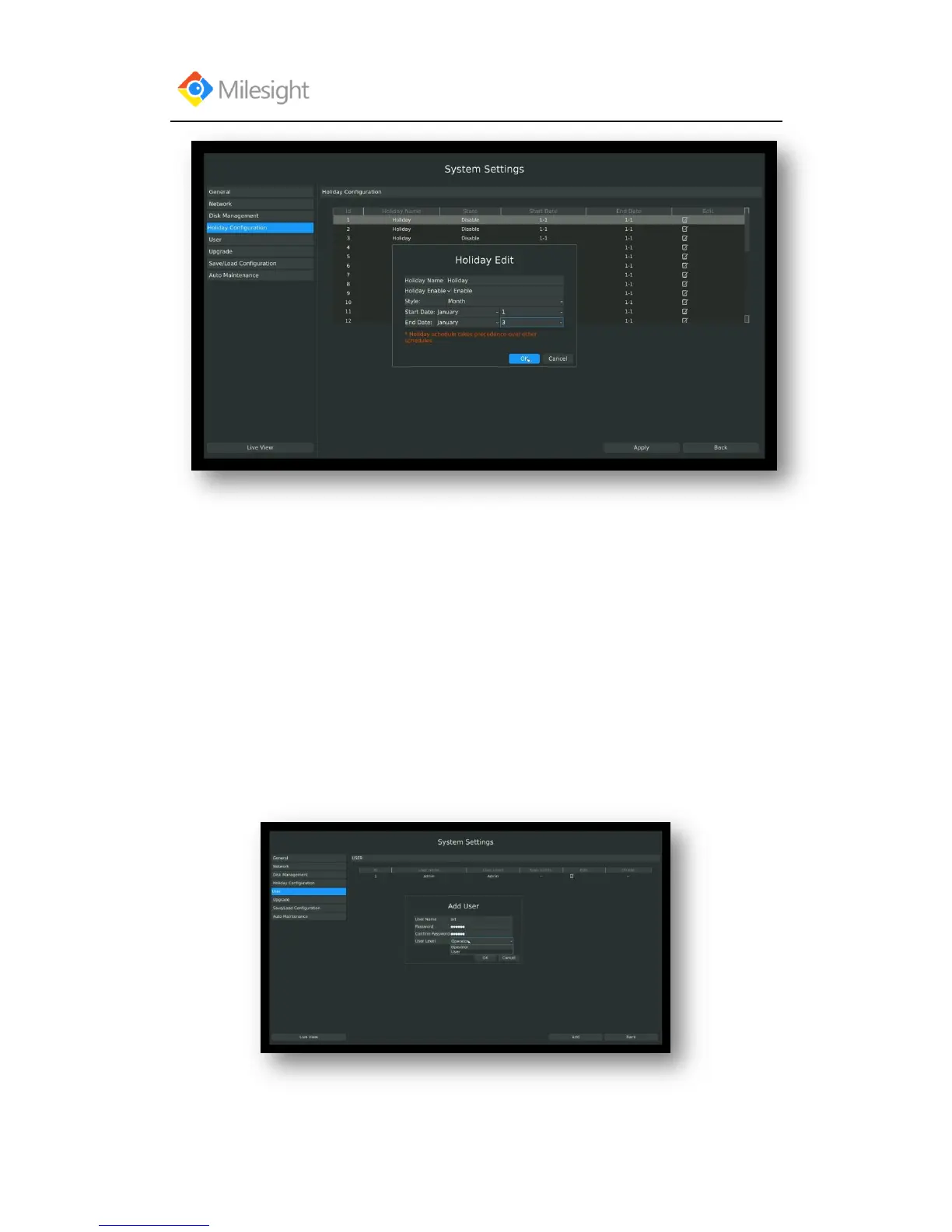
Step1:Enter user setting menu by clicking Main MenuSystem SettingsUser
Click [Add] to enter add user menu, input information for the new user, select user level and click
[OK].



 To Next Page