User Manual
www.milesight.com 65
3.6 Status
You can have a quick view of the information of the device, network, camera, disk and event. This
part is only for your rapid reference. If you want to make any configuration, please go to
corresponding parts accordingly.
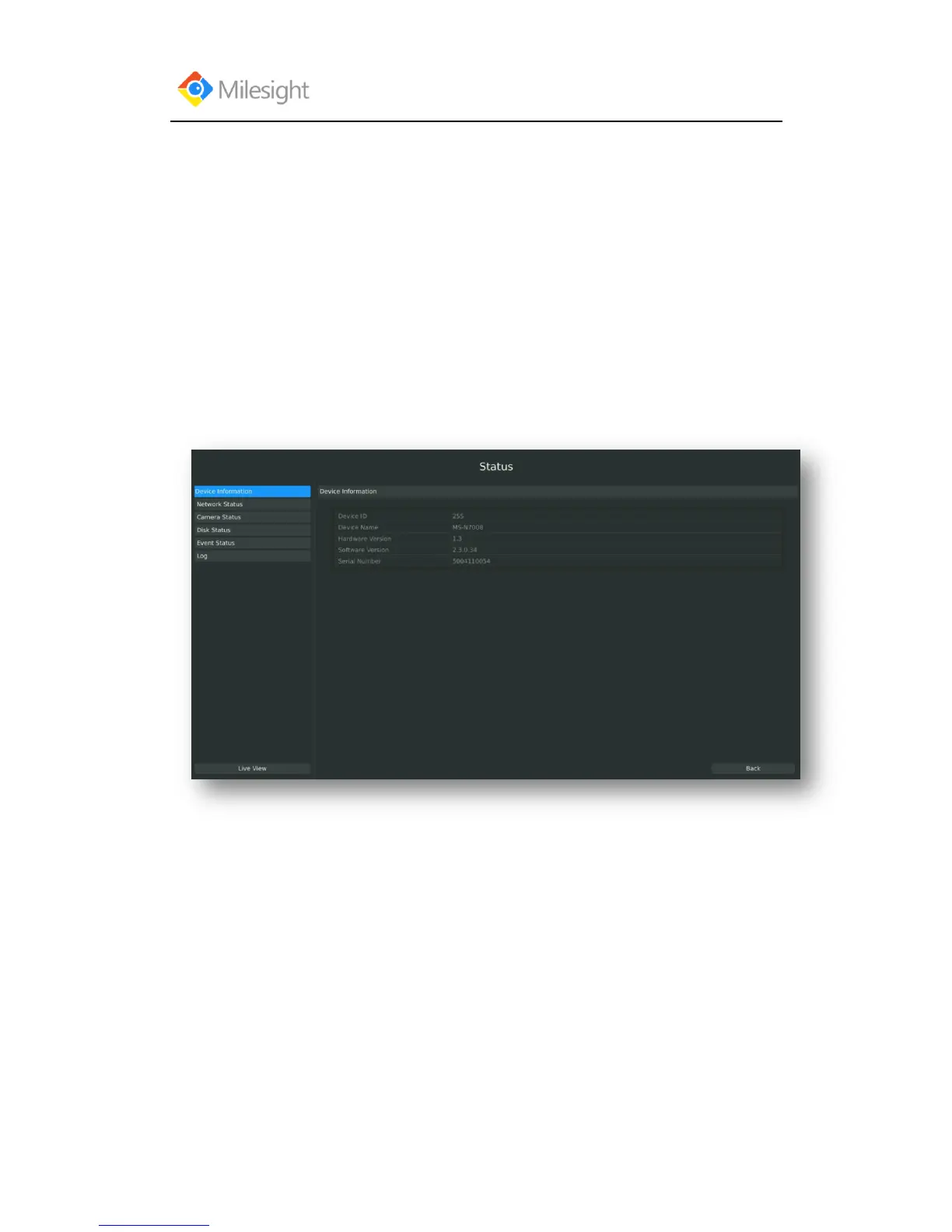
3.6.1 Device Information
Step: Enter Device information menu by clicking Main MenuStateDevice Information
It will show you information in F-3.6.1, including: Device ID, Device Name, Hardware Version,
Software Version, and Serial Number.
F-3.6.1
3.6.2 Network Status
Step: Enter Network Status menu by clicking Main MenuStateNetwork Status
It will show you information in F-3.6.2, including: Connection, Mode, DHCP, MTU(B), IP
Address, Net mask, Gateway, MAC, Preferred DNS Server, Alternate DNS Server, Receive Rate,
and Send Rate.



 To Next Page