User Manual
www.milesight.com 63
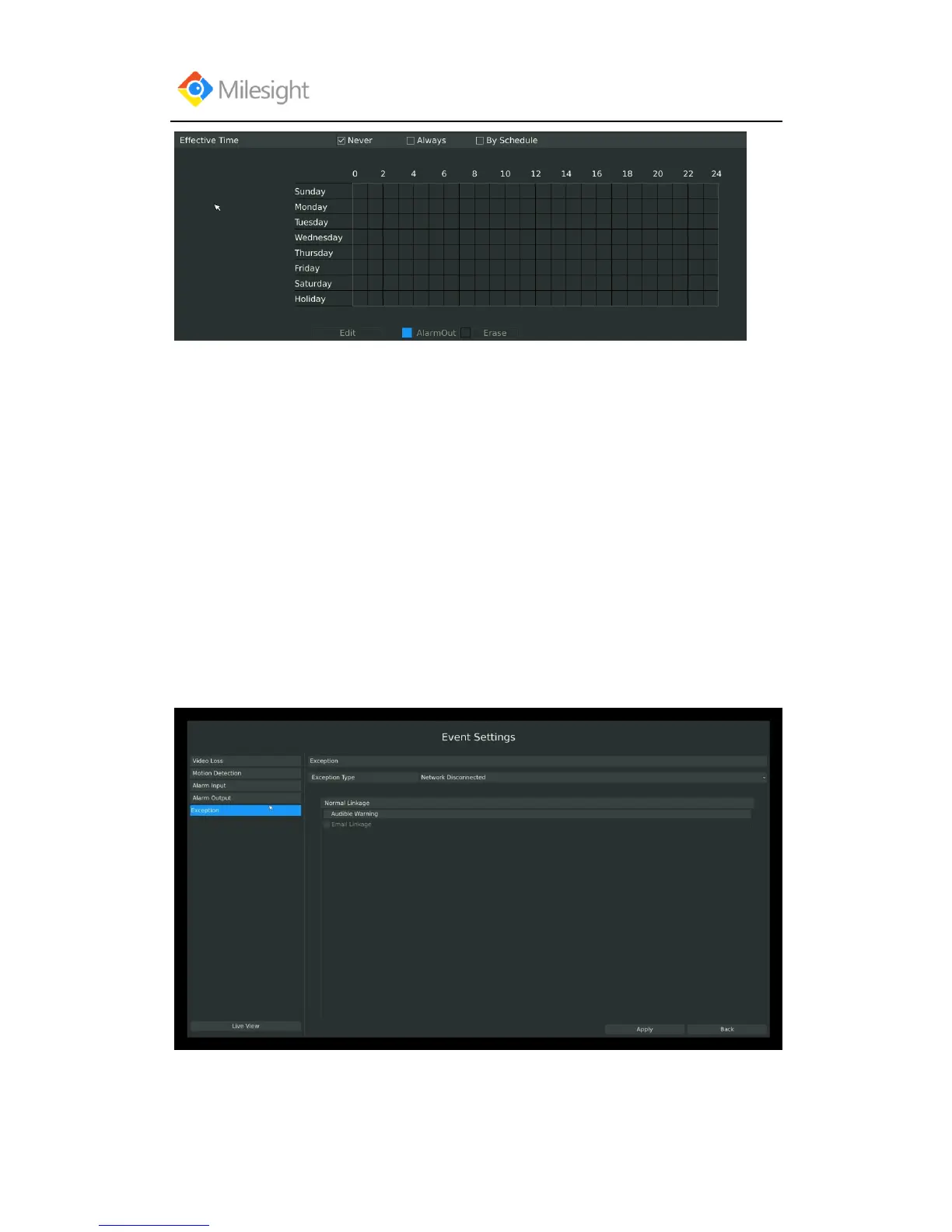
You can set three different modes for effective time:
[Never]: Will have no action triggered if it is checked;
[Always]: Will always trigger the action if checked;
[By Schedule]: Will take effect by the schedule you set.
If you choose By Schedule, you need to set schedule by 1.drag the mouse on the time schedule
area or 2.by click the “Edit Time” button.
Lastly need to APPLY these settings to take effect.
3.5.4 Exception
Milesight NVR support exception alarm hint for1. Network Disconnected; 2
.HDD Full; 3.Record Fail; 4.HDD Error;
Step1. Enter Exception by clicking Main Menu-Event-Exception:
Step2. Select Exception Type:
There are 4 kinds of alarm type:



 To Next Page