User Manual
www.milesight.com 67
3.6.4 Disk Status
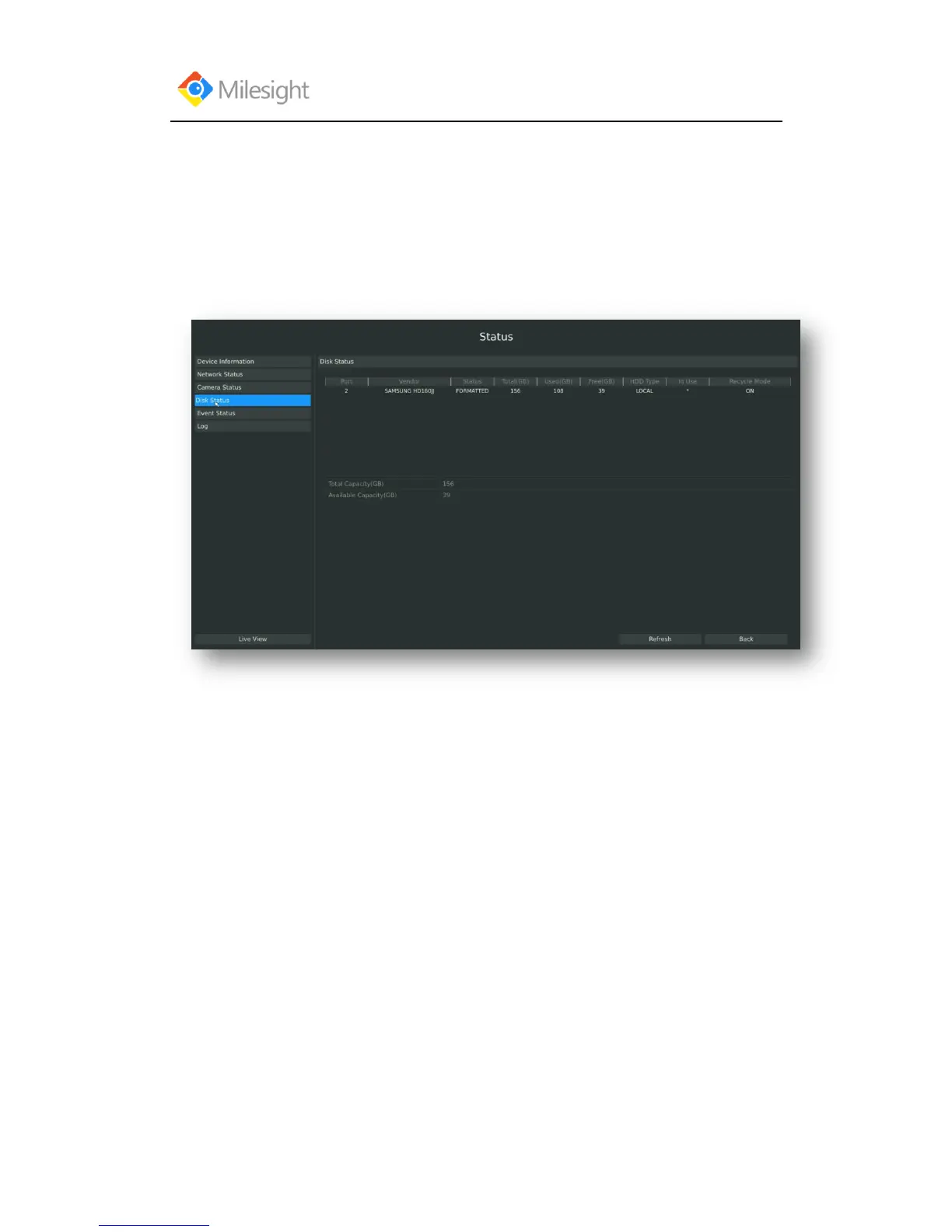
Step: Enter disk status menu by clicking Main MenuStateDisk Status
It will show you information in F-3.6.4, including: Port, Vendor, State, Total(GB), Free(GB), HDD
Type, In Use, and Recycle Mode. You can see the Total Capacity (GB) and Available Capacity
(GB) as below:
F-3.6.4
3.6.5 Event Status
3.6.5.1 Alarm Status
Step: Enter alarm page by clicking Main MenuStateEvent Status
It will show you the Alarm Input List in F-3.6.5.



 To Next Page