User Manual
www.milesight.com 20
3.3 Camera Settings
Before configuration, please ensure that the IP device is connected to the same network as
your NVR and that the network setting for your NVR is properly setup.
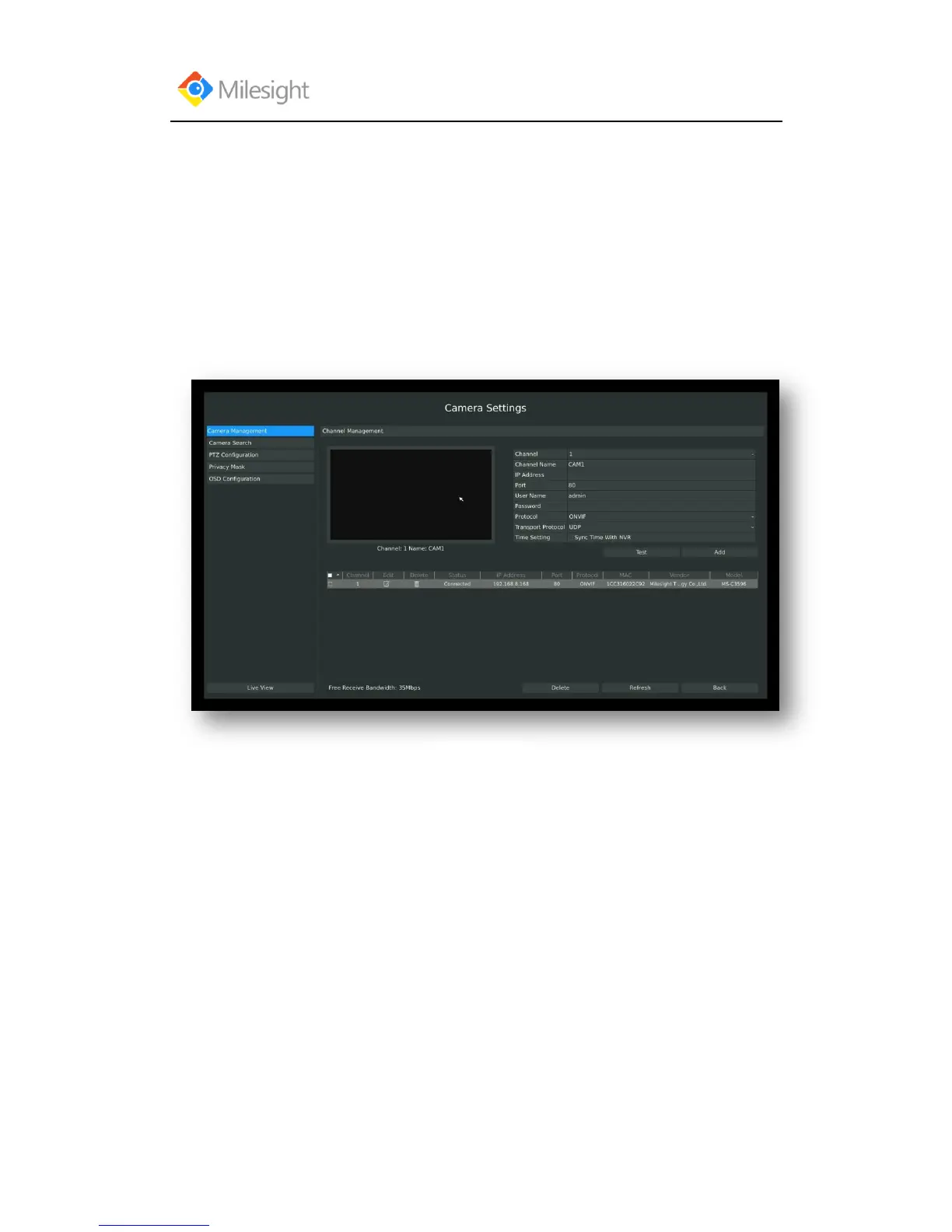
3.3.1 Camera Management
Step1.Enter camera management interface by clicking main menuCamera Camera
Management to enter camera management interface.
Step2.Add IP Channel
Method1. Add IP Channel in camera search interface
1.Enter to camera search interface by clicking Main Menu→ Camera→ Camera to Search.



 To Next Page