3.7.2 Layout Configuration
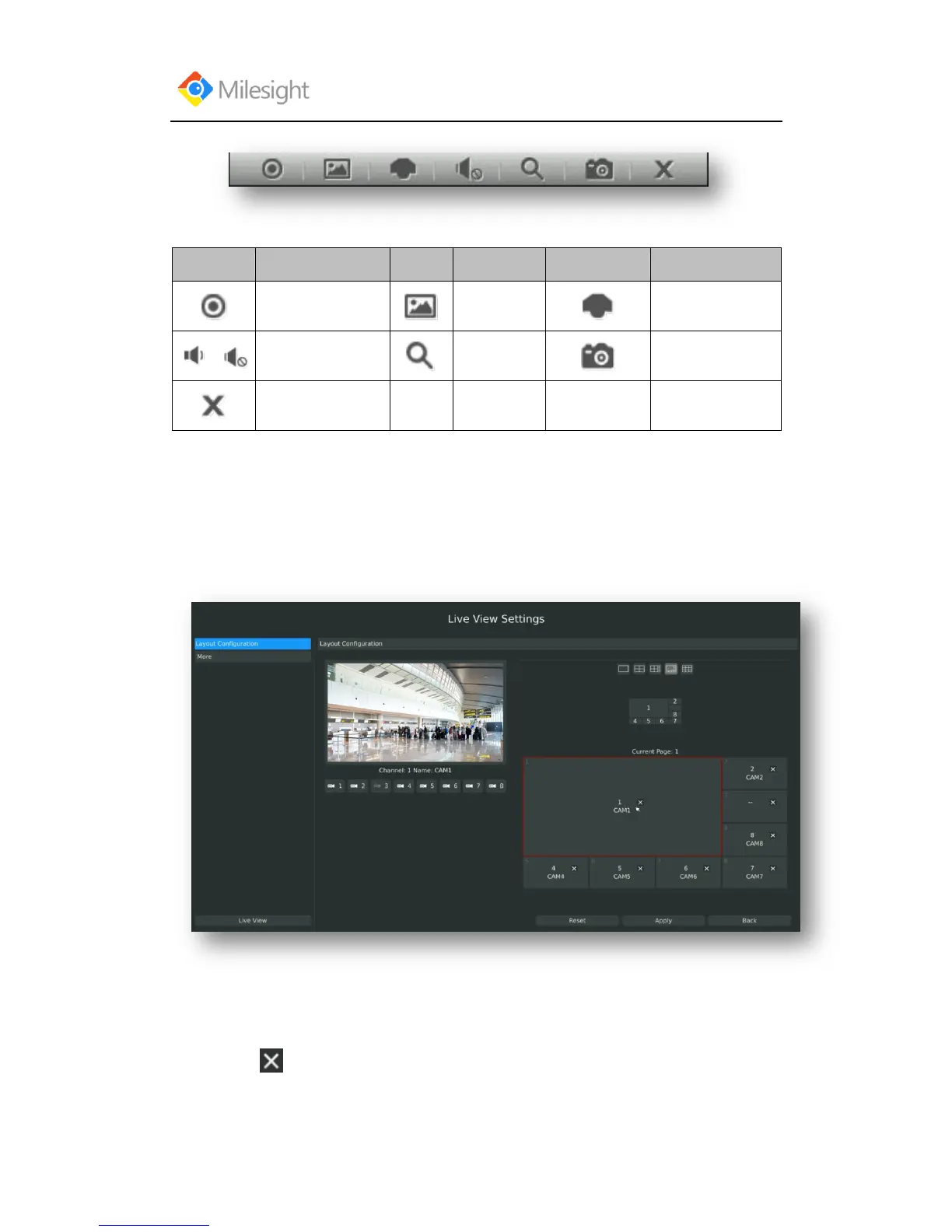
Step1: Enter layout configuration menu by clicking Main MenuLive ViewLayout
configuration
F-3.7.2
You can choose single screen/4/ 8 /8-1/9 screens for layout configuration according to your needs
and preferences.
Step2. Click to close a channel, or click a desired channel (shown F-3.7.3)to add in and
then click “Apply” to confirm settings. Click “Reset” to reset the layout.



 To Next Page