User Manual
www.milesight.com 70
Indicates video loss or tampering alarm
Indicates motion detection alarm
Indicates the current channel is recording. The recording may have been
started manually, from a schedule, motion detection, alarm, and/or triggered
from motion and alarm.
Indicates exception alarm and recording.
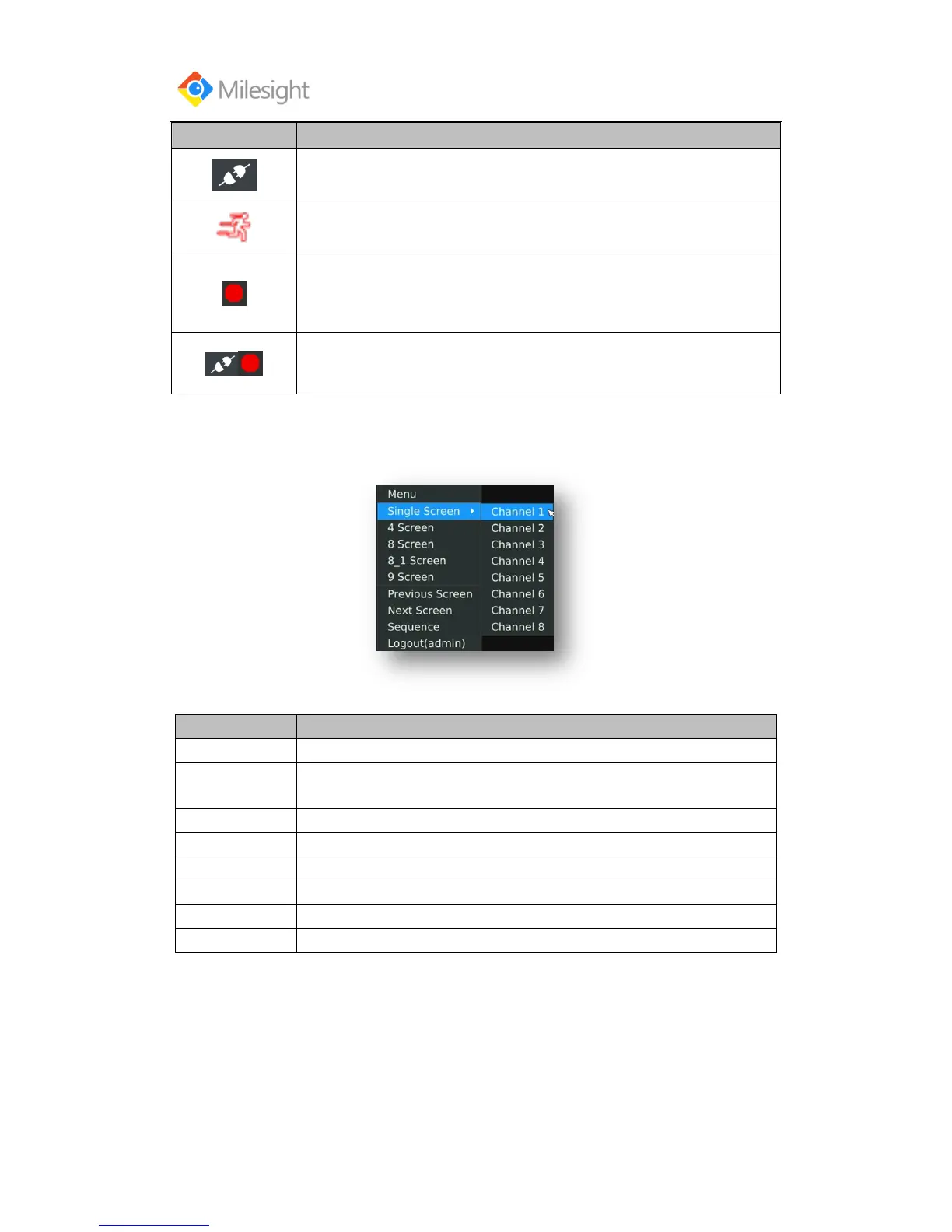
Use the Right Button of the Mouse in Live View
The channel chosen will spread the whole screen. You could also reveal this
function by double clicking the channel.
Switch to sub screen to operate.
Switch to the previous screen
Switch to the next screen
Enable single/multi-screen cruise in live view mode
Enable single/multi-screen cruise in AUX live view mode
Click it to logout current user account.
Quick Operation for Live View
Enter the live view interface; left click the channel, the quick menu will appear.
Quick menu operations include playback, recording manually, snapshot, PTZ, zoom, and image
configuration.
Quick Menu Instructions for Main Output Live View



 To Next Page