User Manual
www.milesight.com 17
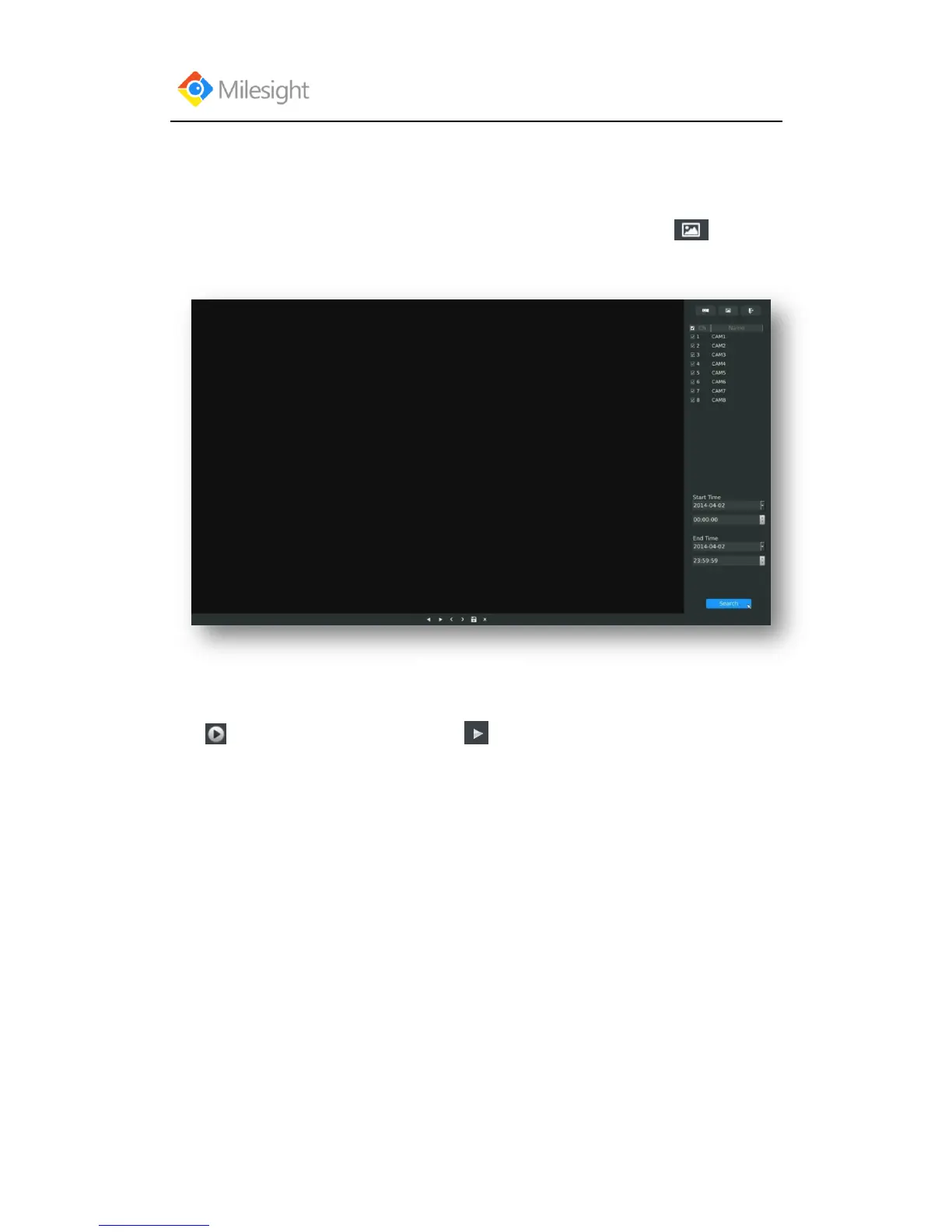
3.2.2 Picture Playback
Search and look for the snapshot files saved in HDD.
Step1.Enter Picture Playback Interface by clicking Main menuPlayback→
Select a desired channel, start time and end time, click [Search]
Step2. Enter Picture Info List, Look up the Pictures.
Click to play the desired pictures. Or click to auto play the picture.



 To Next Page