3.8.4 Holiday Configuration
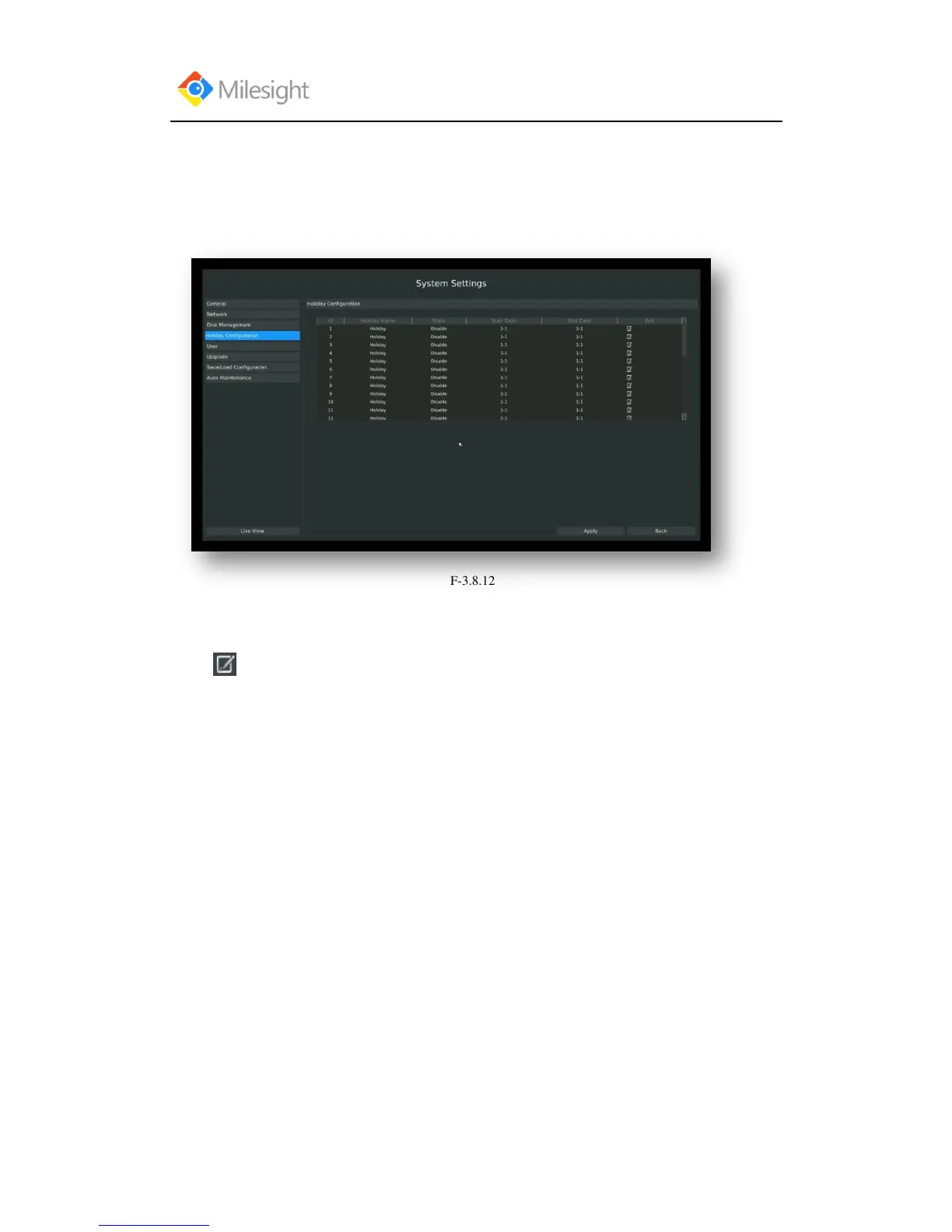
It can configure the record or image capture schedule for holidays of the current year.
Step1.Enter holiday setting menu by clicking System Setting→Holiday Configuration.
Step2.Edit the holiday schedule
Click to open holiday configuration page to modify holiday name, check the „Holiday
Enable‟ checkbox, and then select [style] to setup Start/End date. Then click [OK] to save the
configuration and return to holiday configuration page. Click [Apply] to confirm settings.
Note: There are Month, Week, and Date in “Style” mode.



 To Next Page