User Manual
www.milesight.com 40
3.4 Record Settings
Preparation for Configuration
Step1.Ensure your NVR has Install and initialize the HDD.
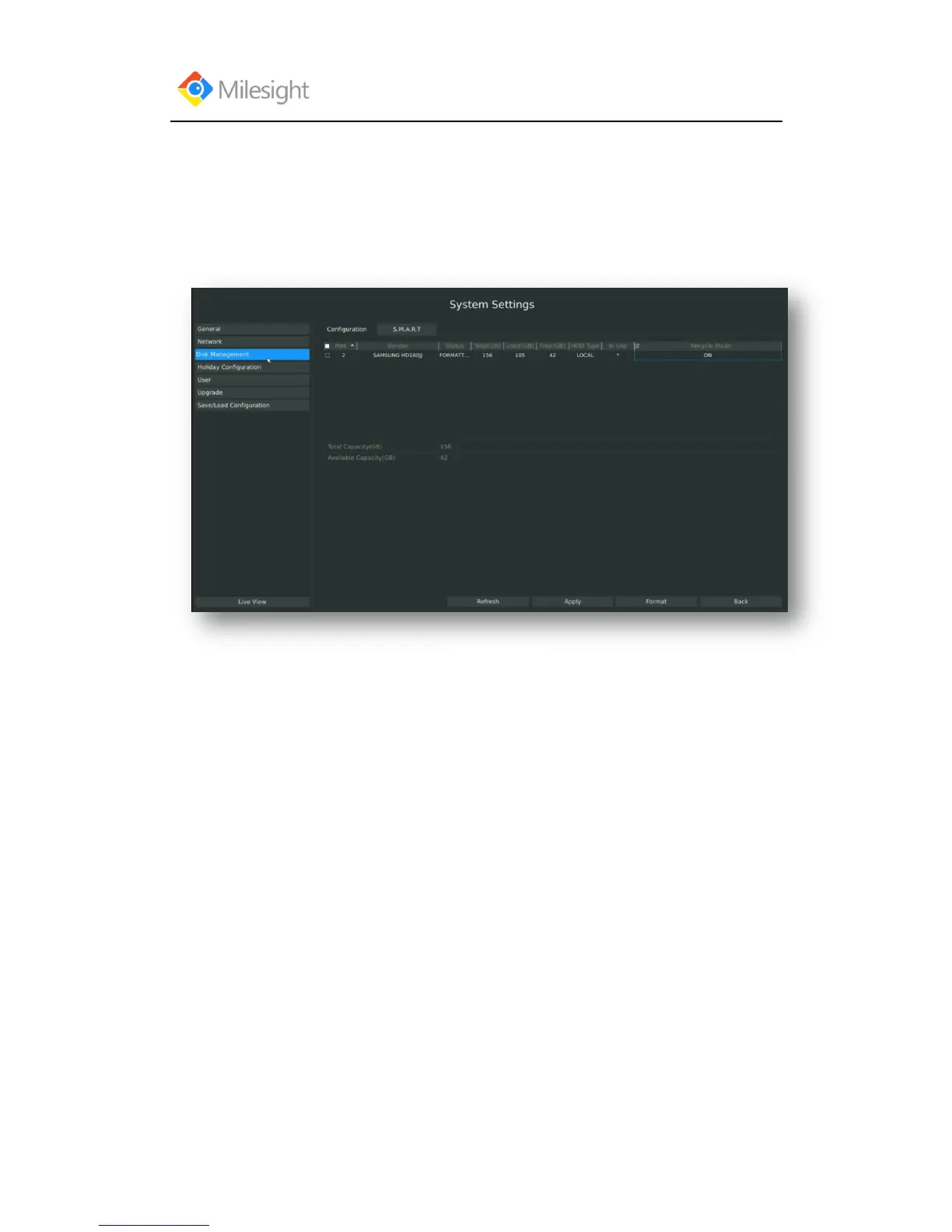
Enter disk management interface by clicking System Settings→Disk Management
Step2. Ensure that HDD has sufficient storage space.
Enter disk management interface by clicking System Setting → Disk Management. Select
[Recycle Mode] to ON in the case of insufficient capacity of HDD.



 To Next Page