User Manual
www.milesight.com 30
3.3.3 PTZ Configuration
3.3.3.1 PTZ control Parameters Configuration
Note:
Settings for a PTZ camera must be configured before it can be used. Make sure that the PTZ
and RS-485 of the NVR are connected properly.
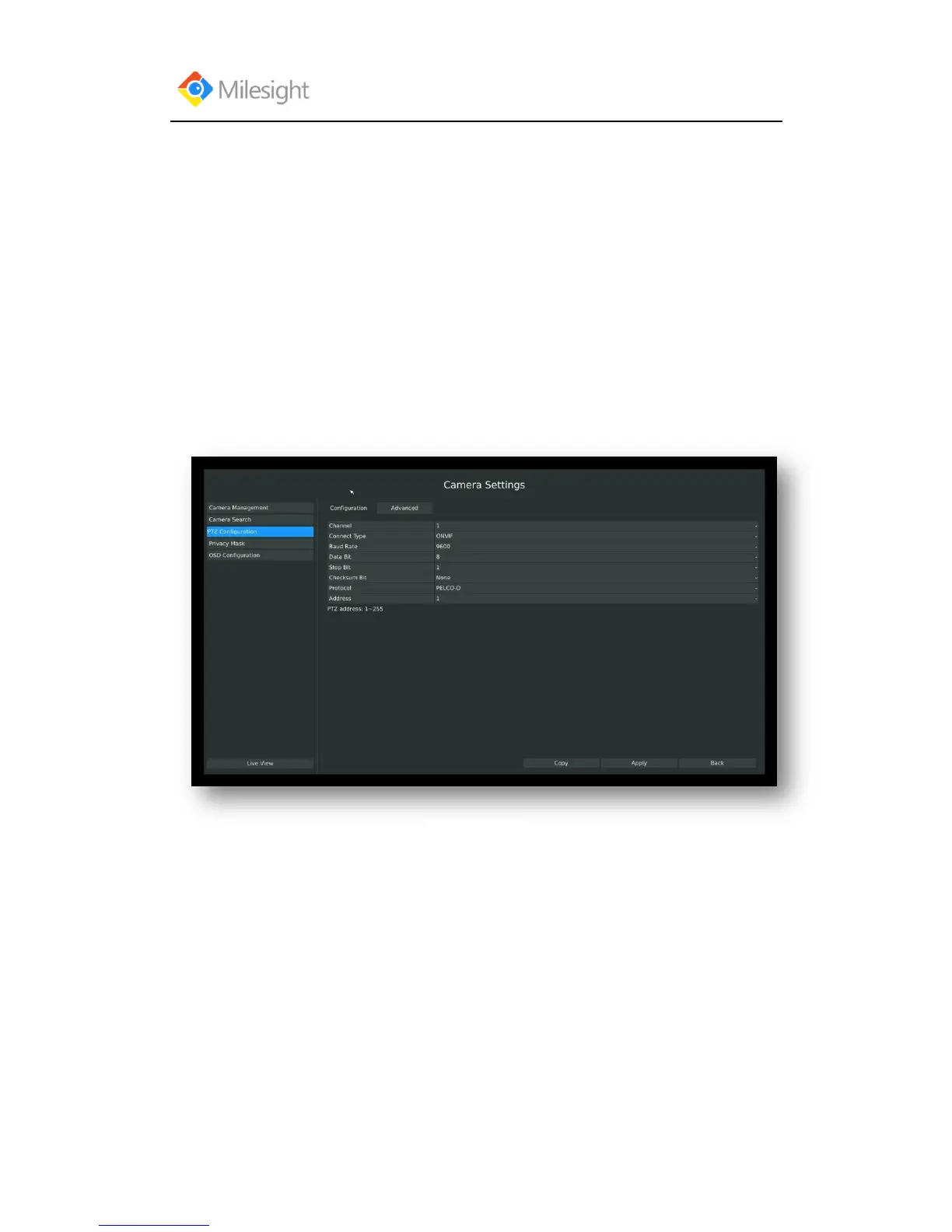
Step: Enter configuration interface by clicking Main Menu CameraPTZ Configuration,
select “Configuration” page
Select a channel and set the PTZ parameters. You can click [Copy] to copy the same configuration
to other channels.
Note: The PTZ protocol and address of IP channel must be consistent with those of the PTZ
decoder.
3.3.3.2 Advanced Configuration
There are two patrol ways can be set: Track Patrol and Tour Patrol
Note:
1. IP channel does not support configuration and calling of presets, patrols and patterns.
2. The functioning of presets patrols and patterns need front PTZ decoder to support.



 To Next Page