User Manual
www.milesight.com 31
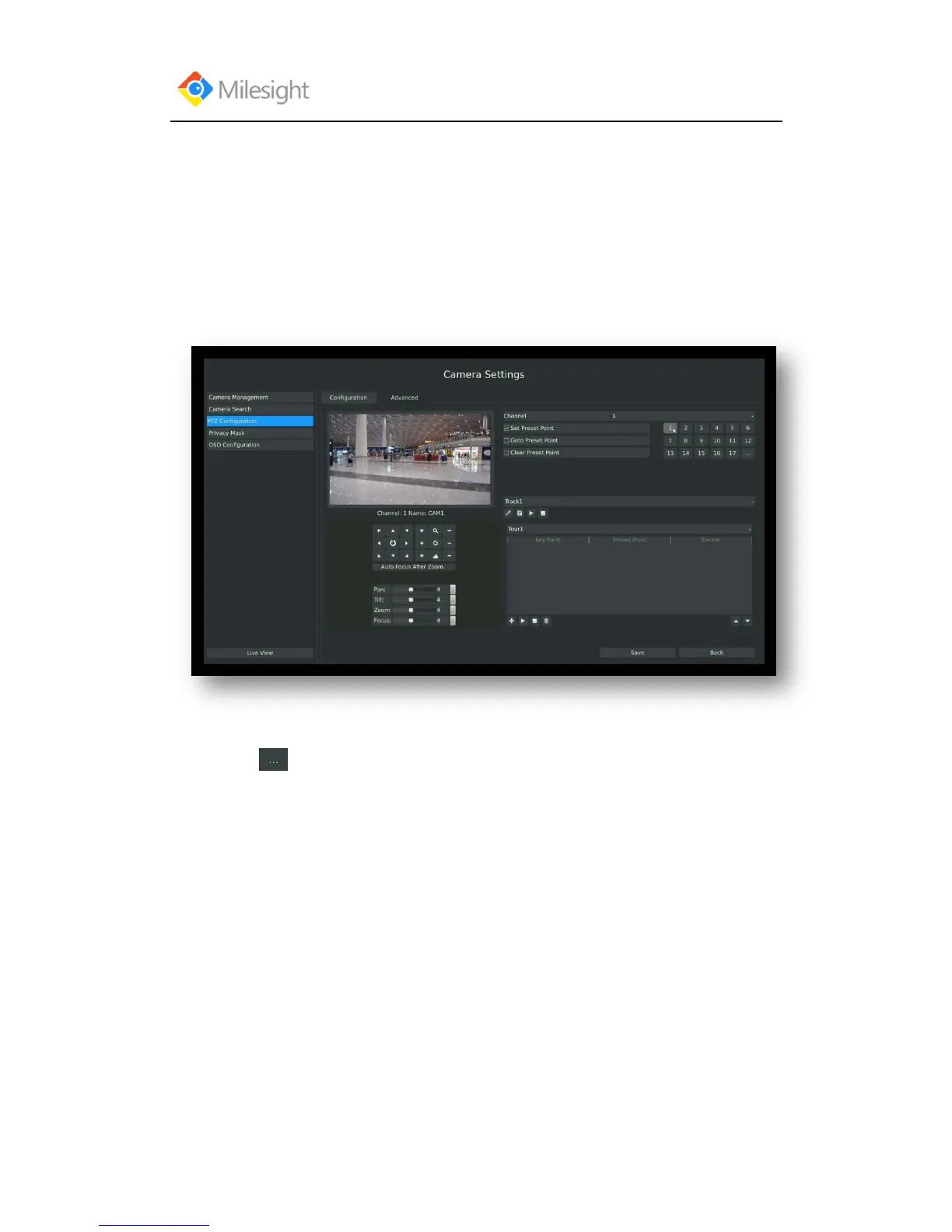
Route: Main Menu CameraPTZ Configuration, select “Advanced” page
1. Presets Point Setup
Preset can be set to move your PTZ camera to a desired preset location. The preset point is the
preparation for Tour Patrol.
Step1. Use the PTZ direction key to rotate the position of preset. Then select “Set Preset
Point” and select a preset number to finish a preset point setting. Repeat above steps to set
more preset points.
Step2. Click to save or call more preset points after number 17.



 To Next Page