User Manual
www.milesight.com 42
[Record By Schedule]: If you want NVR to record by schedule, then you need select this
column and then go to 3.4.2;
Step2. Click [Apply] to save the configuration.
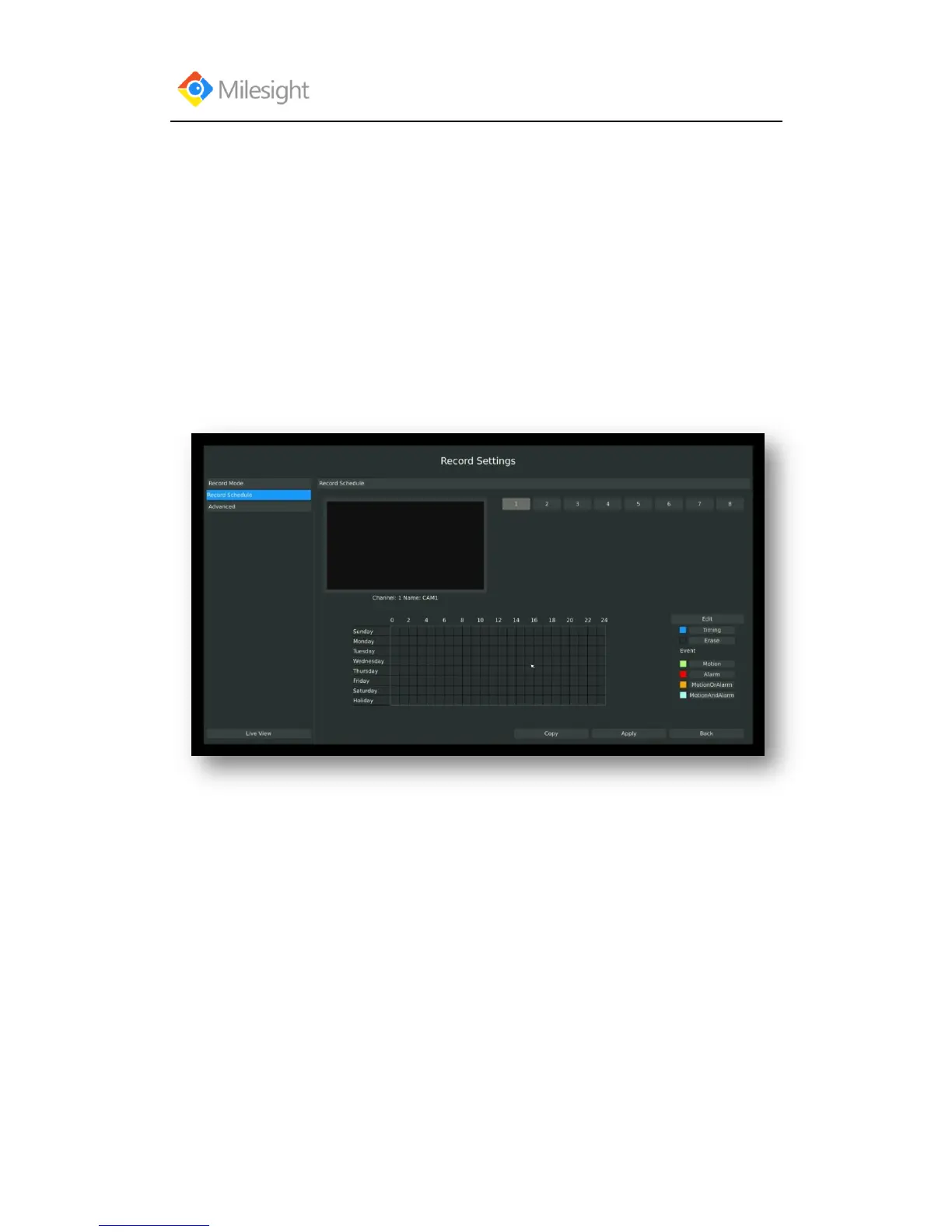
3.4.2 Record Schedule Setting
Note: The days are devided as Holiday/Sunday/Monday/Tuesday/Wednesday/Thursday/Friday/
Saturday. The schedule of Holiday is superior to other days. To set the holiday information, go to
Chapter.3.8.4.
Method1. General Setting
Step1.Enter Record schedule interface by clicking Record Settings→Record Schedule
Step2.Select desired channel (eg. Channel 1)and click [Edit] button



 To Next Page