User Manual
www.milesight.com 43
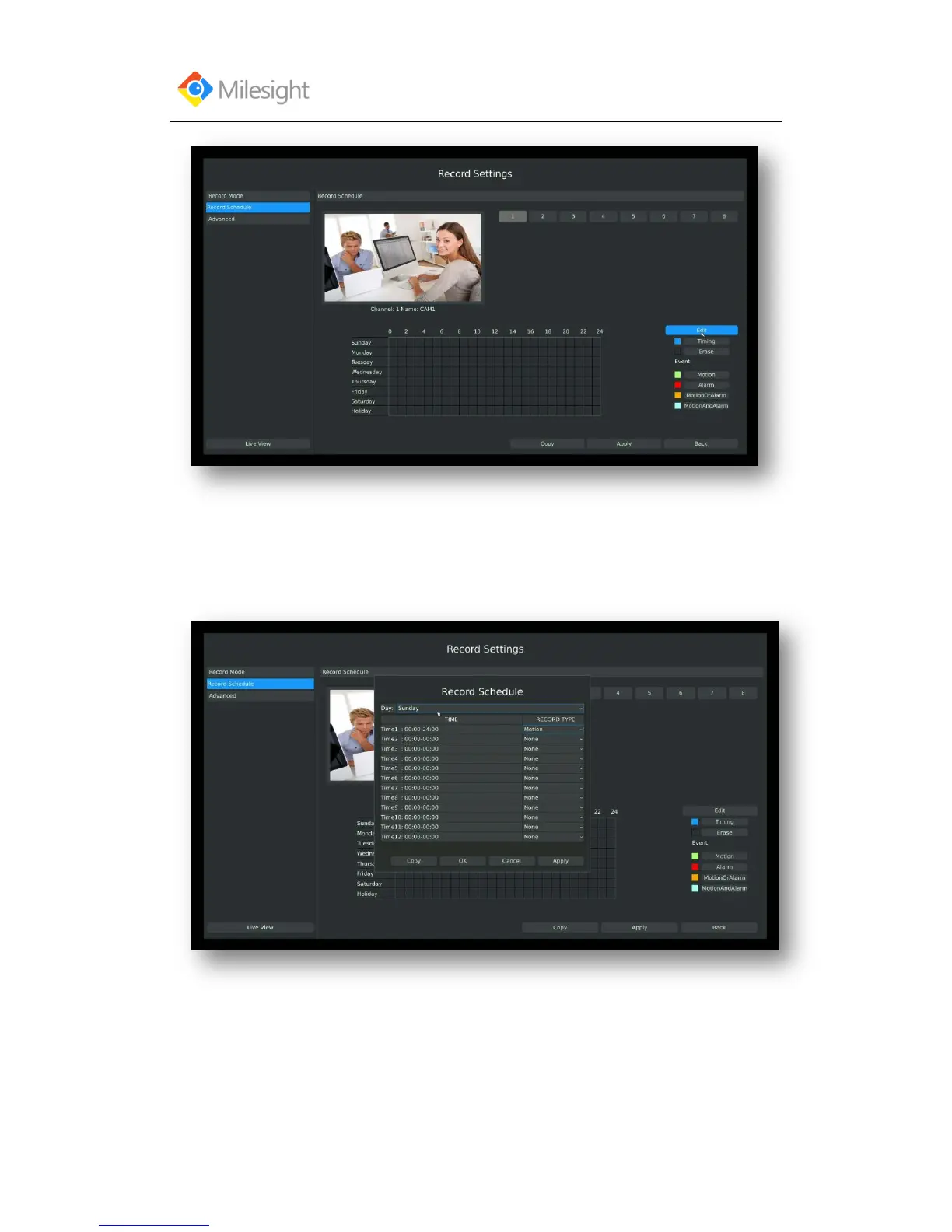
Step3.Set record schedule
Select a day from the drop-down list of [Day], and select [Record Type] to setup the recording
period, up to 12 periods can be set. (eg.01:00 to 05:00 for none recording; 06:00 to 18:00 for
timing recording; 19:00 to 21:00 for Motion recording; 22:00 to 24:00 for Alarm recording)
Note: Time periods cannot overlap with each other.
Step4.Click [Copy] to copy settings to other weekdays, and then click [Apply] to confirm the
setting.



 To Next Page